The private AI command center for your firm.
Your whole AI workspace for legal work. Every conversation, document, deadline and matter in one place, and an agent that works across all of it, by voice or by text. It runs inside your firm, and every outside request is in a log you can read.
Founding design partners. Non-binding letter of intent. Terms discussed on a call.
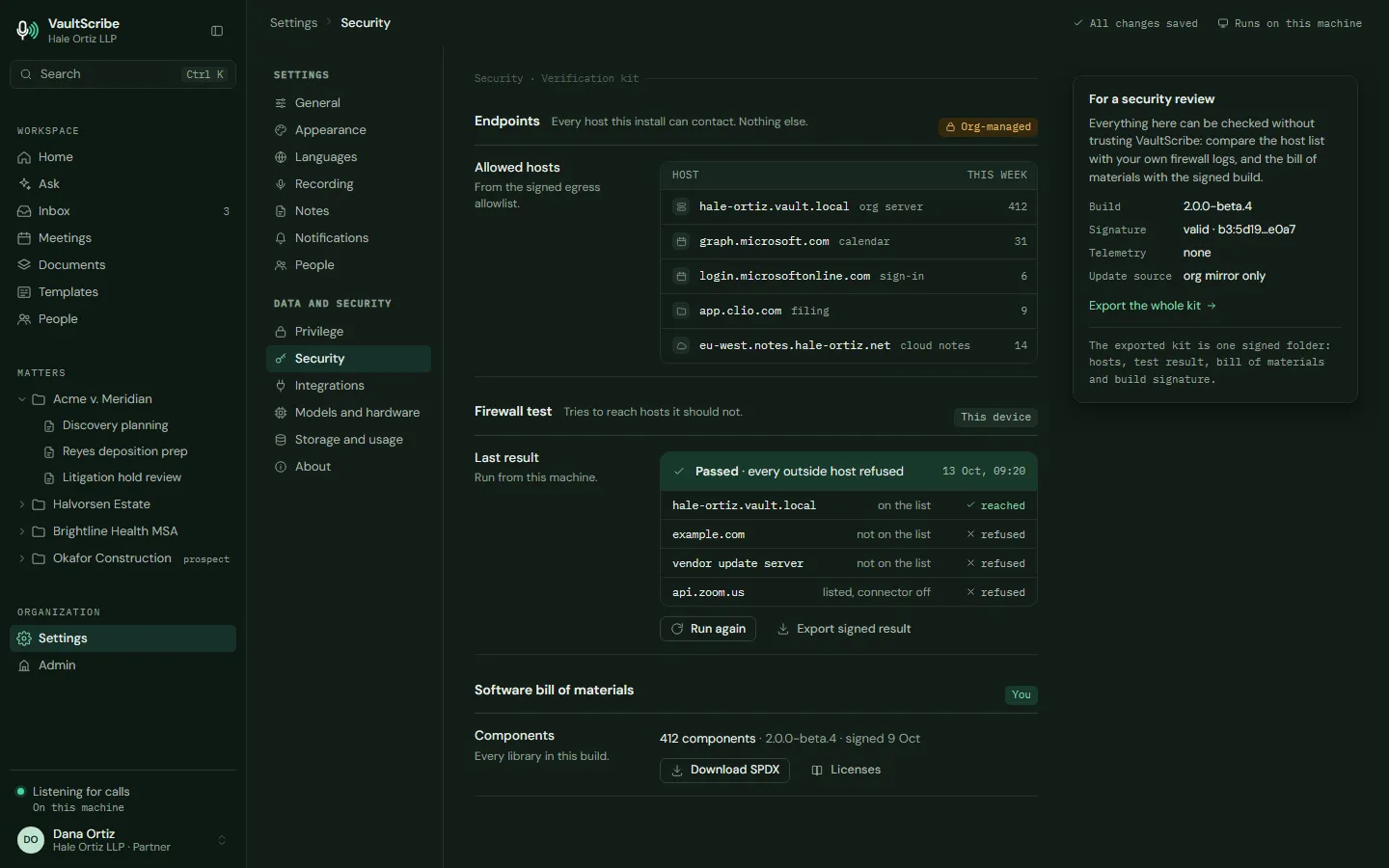
Don't take our word for it. Block the network with your own firewall and check. Every outside request is in a log you can read.
How you can test it →Your whole workspace
Do everything from one place.
Calls and meetings, documents, deadlines, time, drafting and research all live in one private workspace. Every meeting is a page. Every matter has its own space, walled from everyone not on it. Ask a question or give an instruction, and the agent works across all of it.
Record. Capture a call or meeting from your own computer, with a prompt first and a wrap-up afterward.
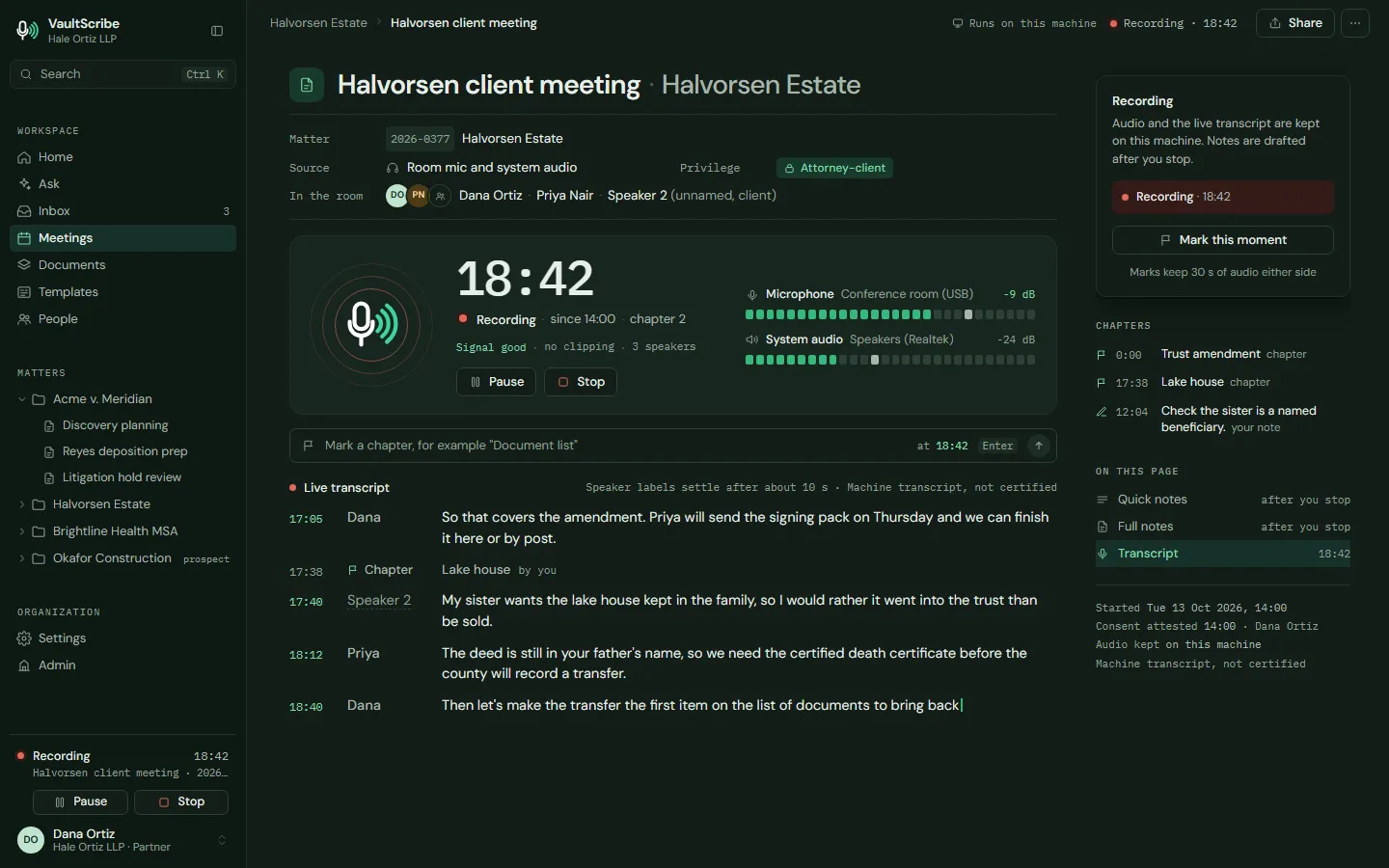
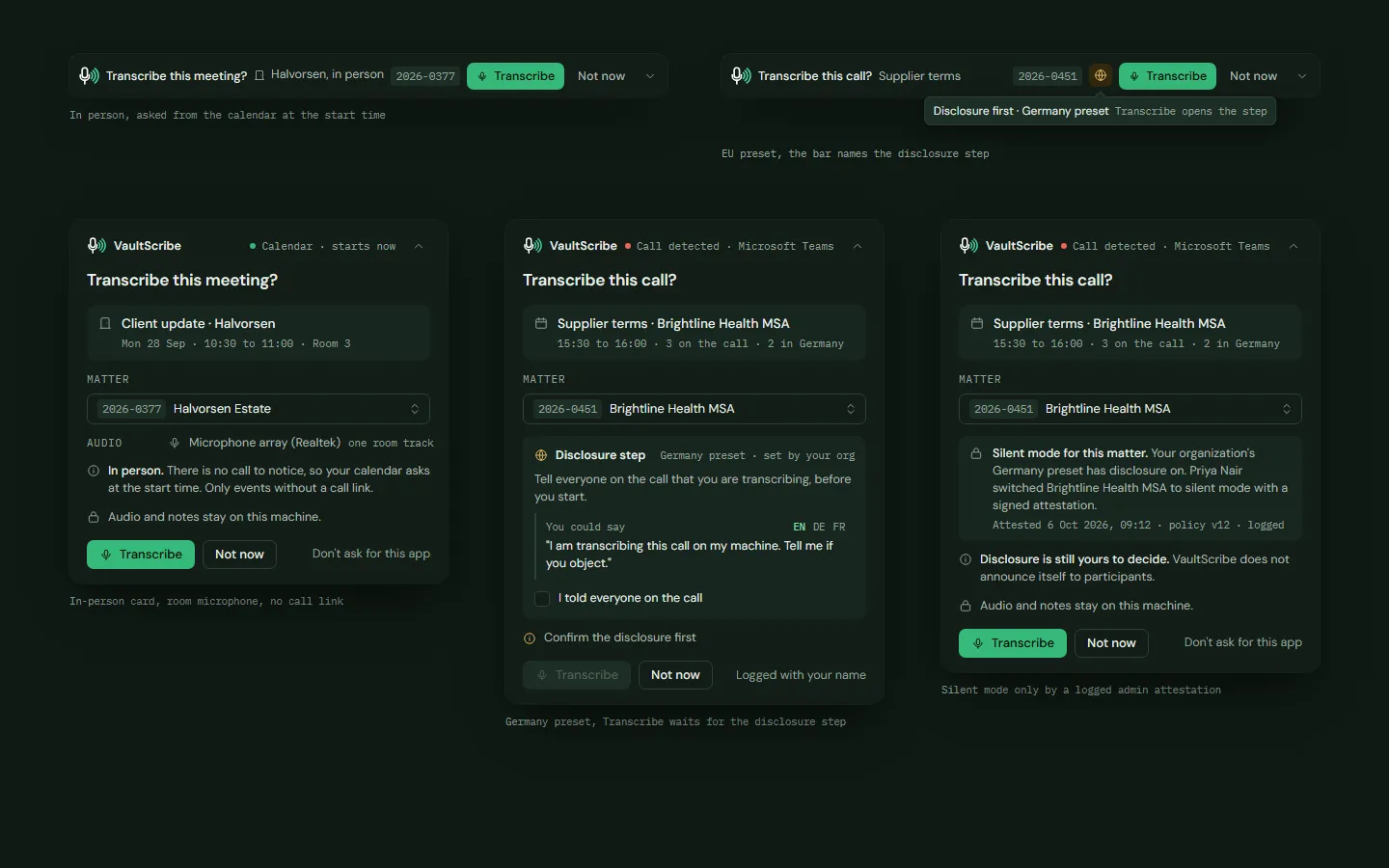
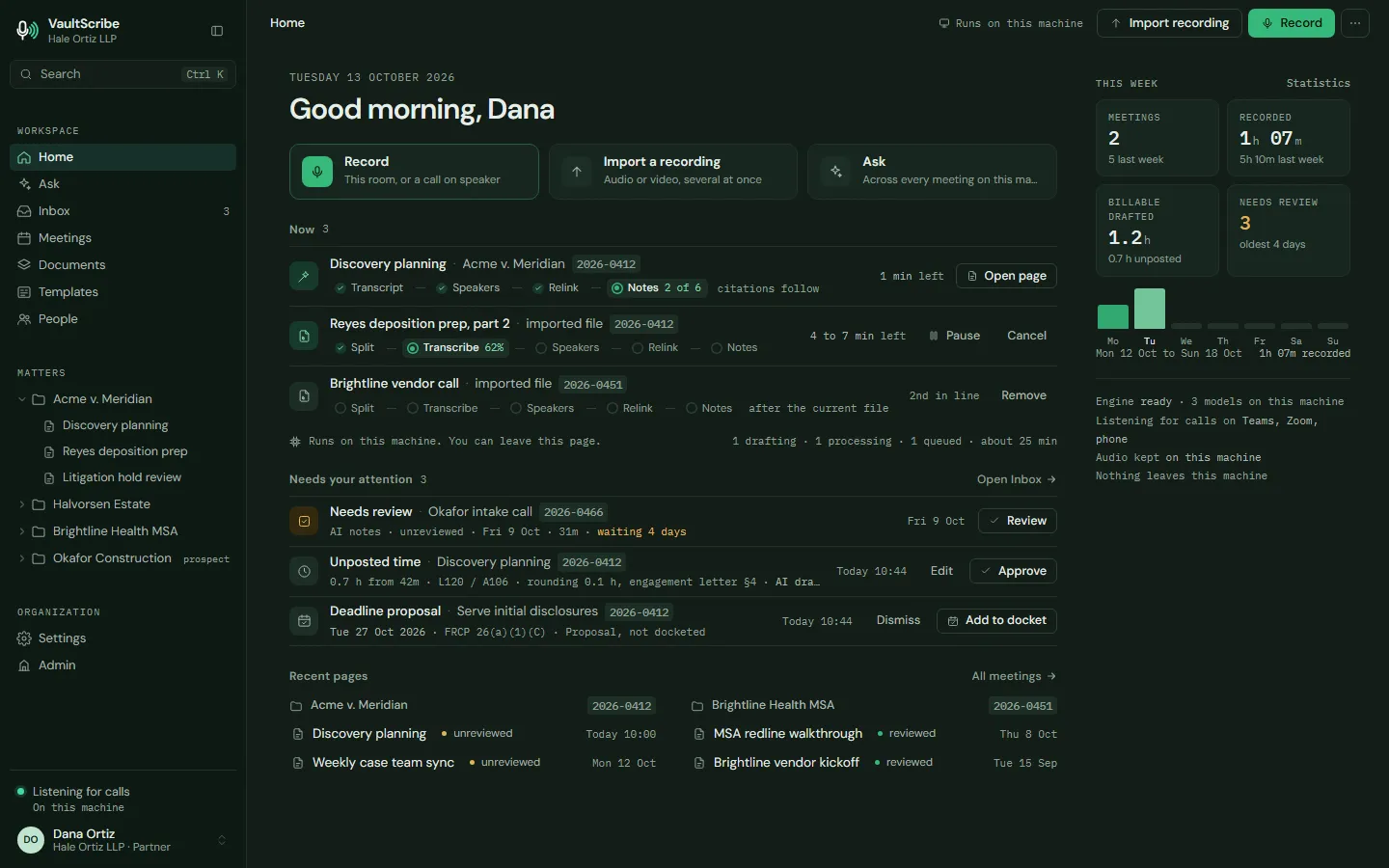
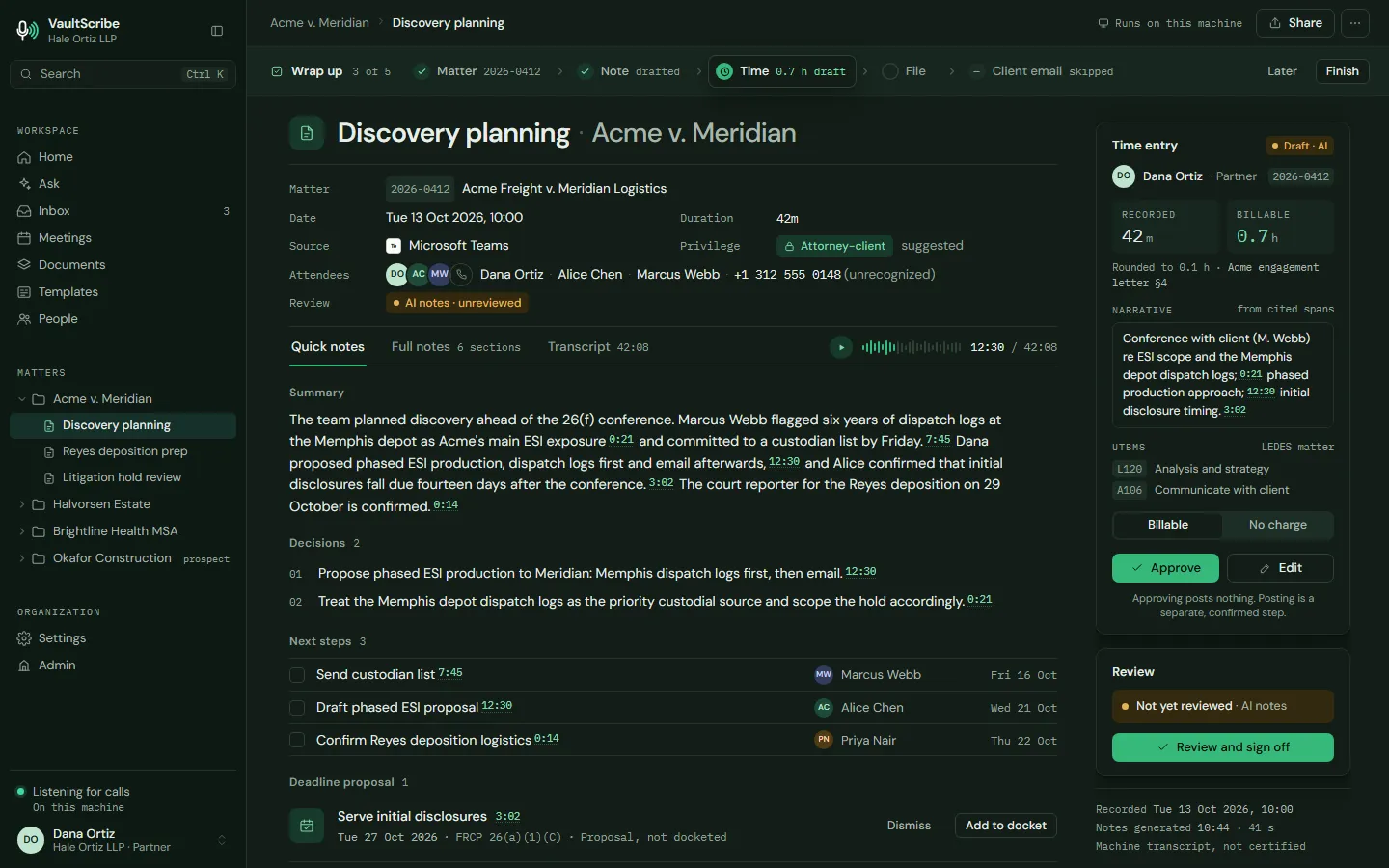
Meetings. Every meeting across your matters as a list, a calendar or by matter, and every meeting as its own page.
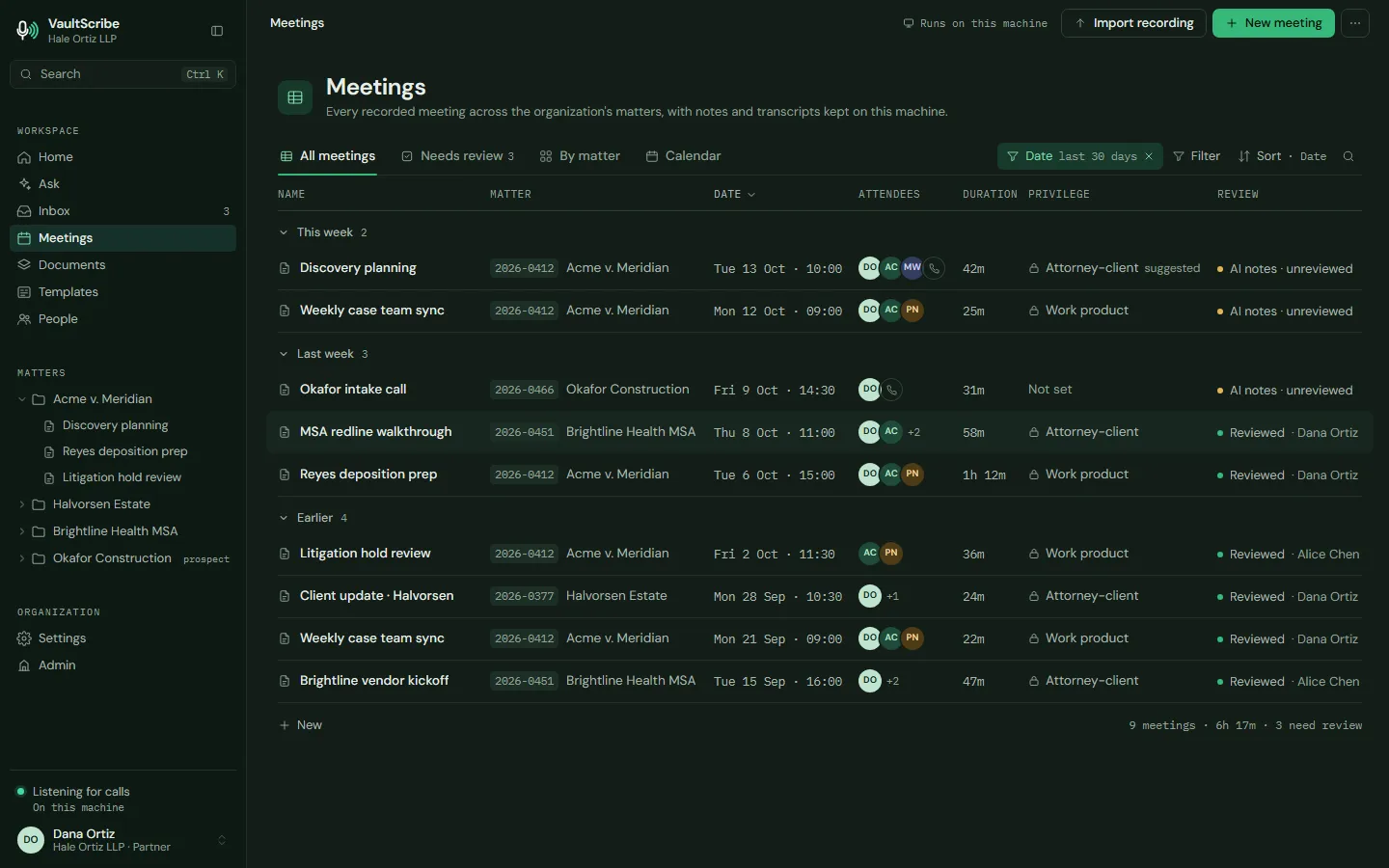
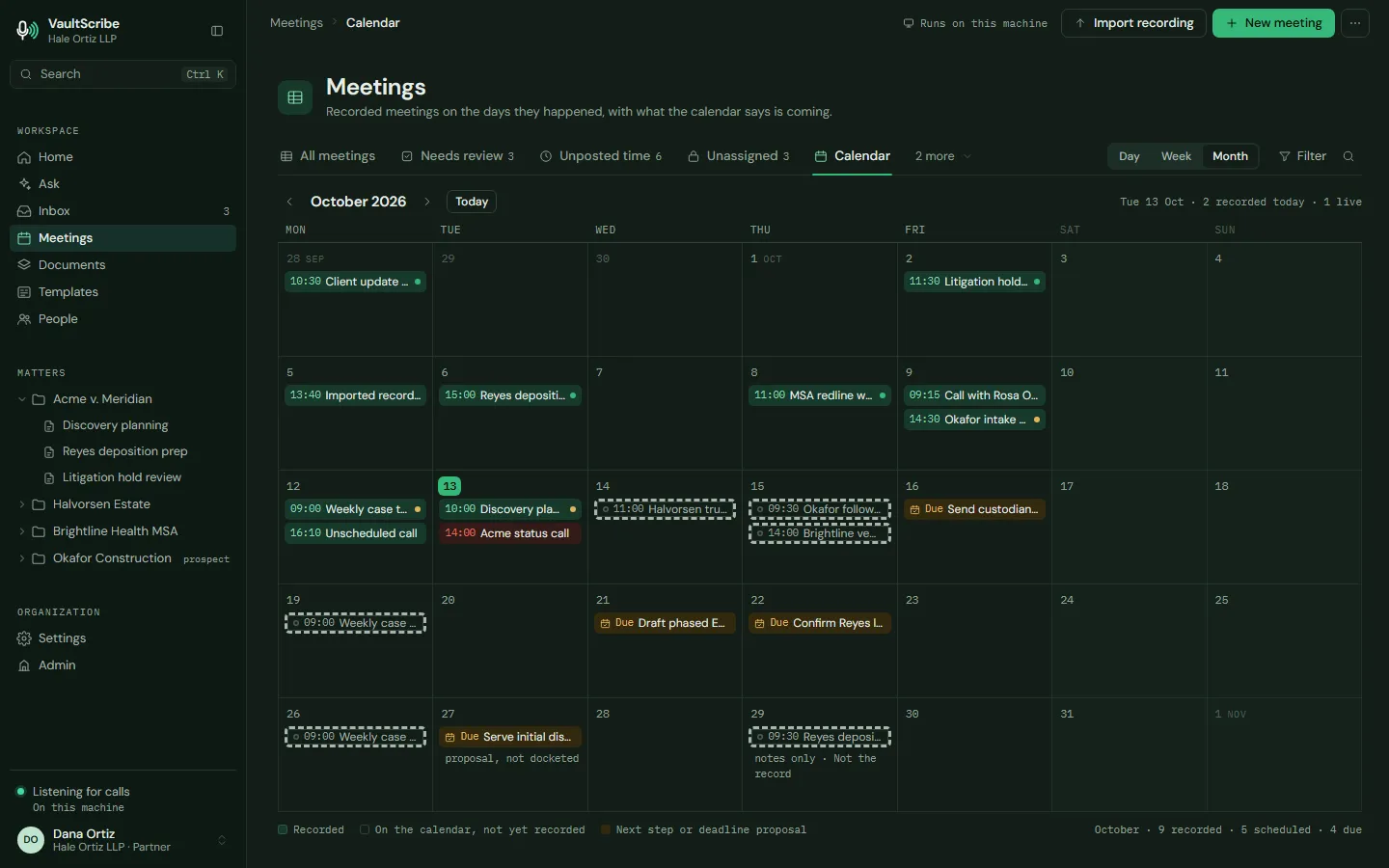
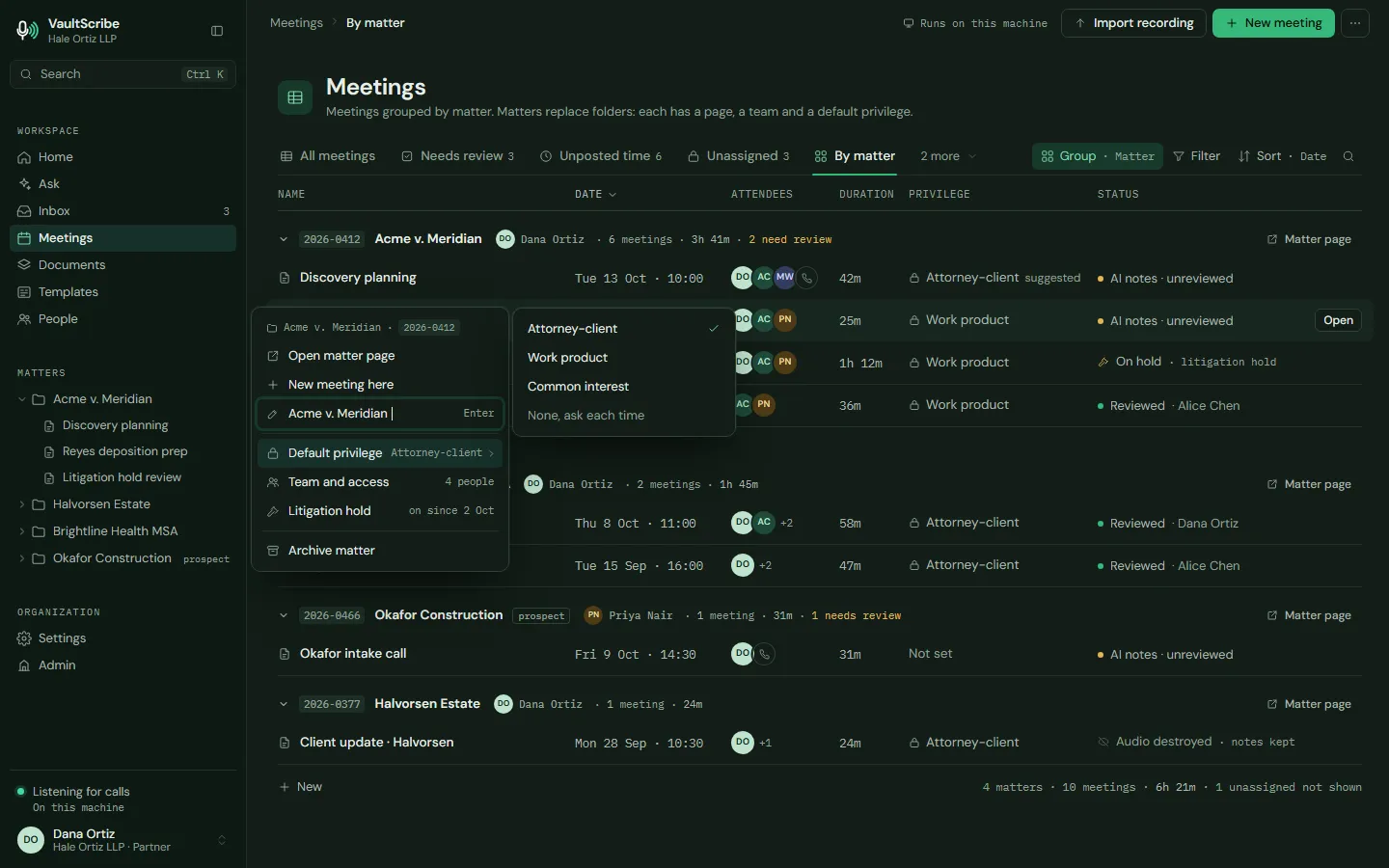
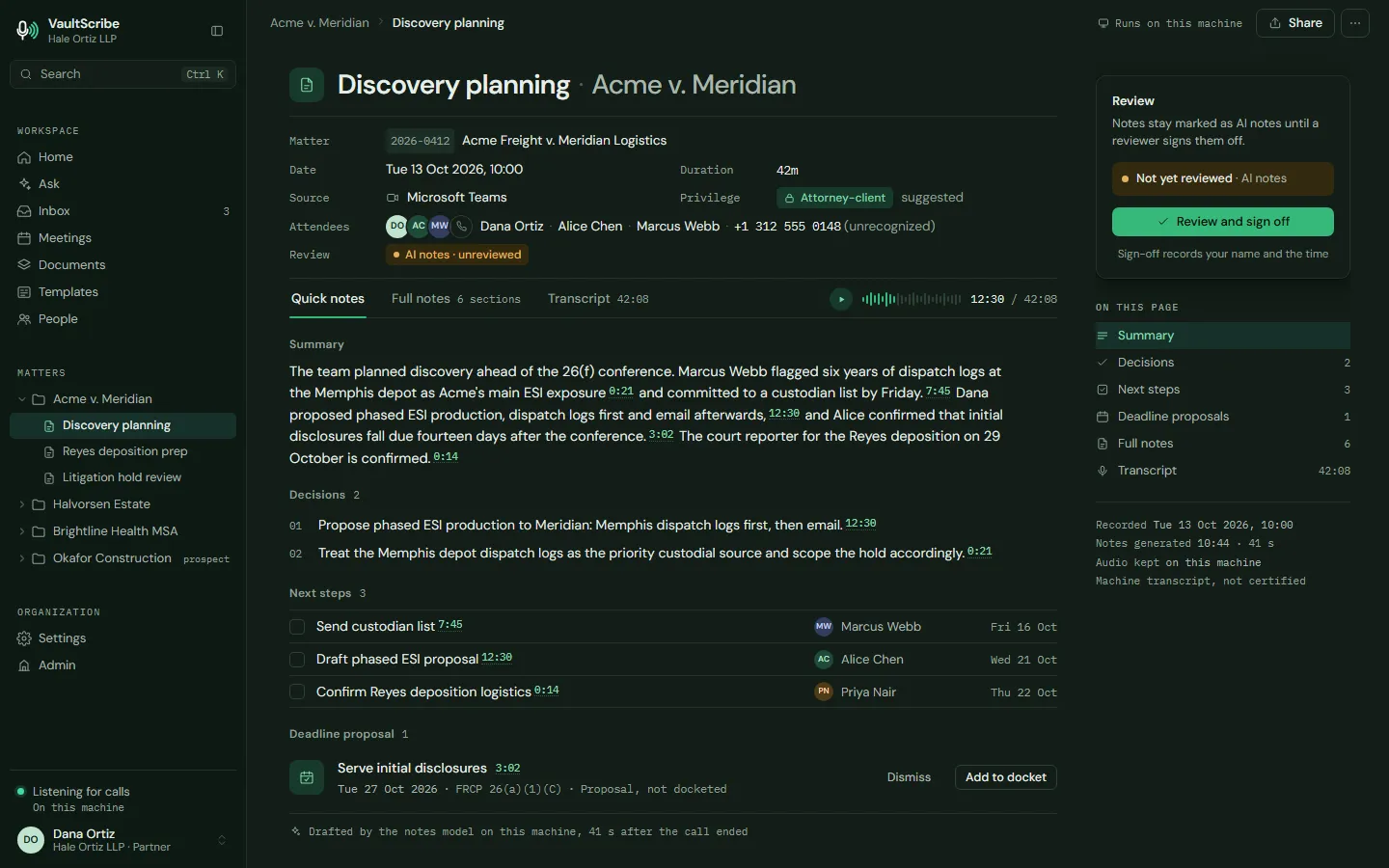
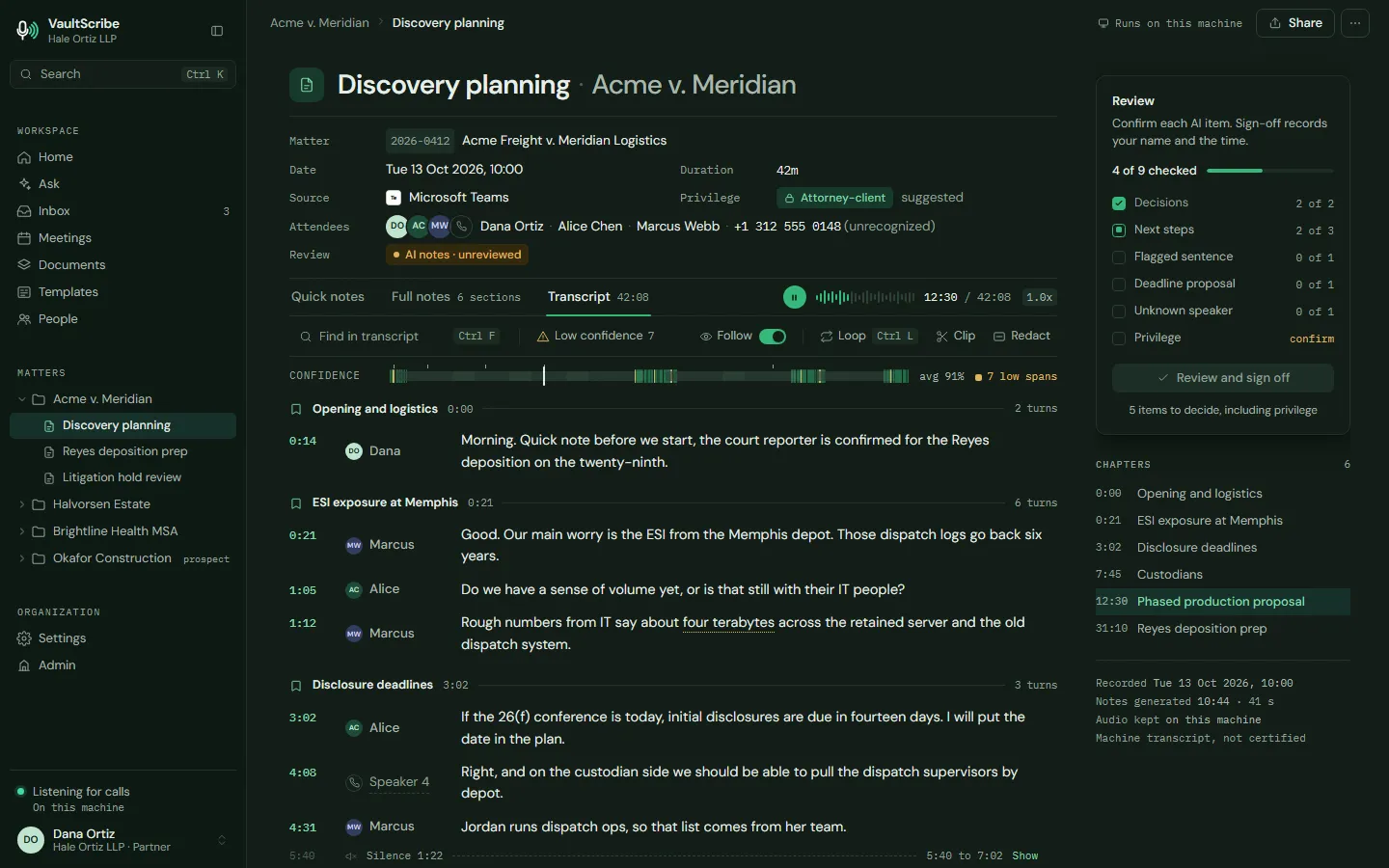
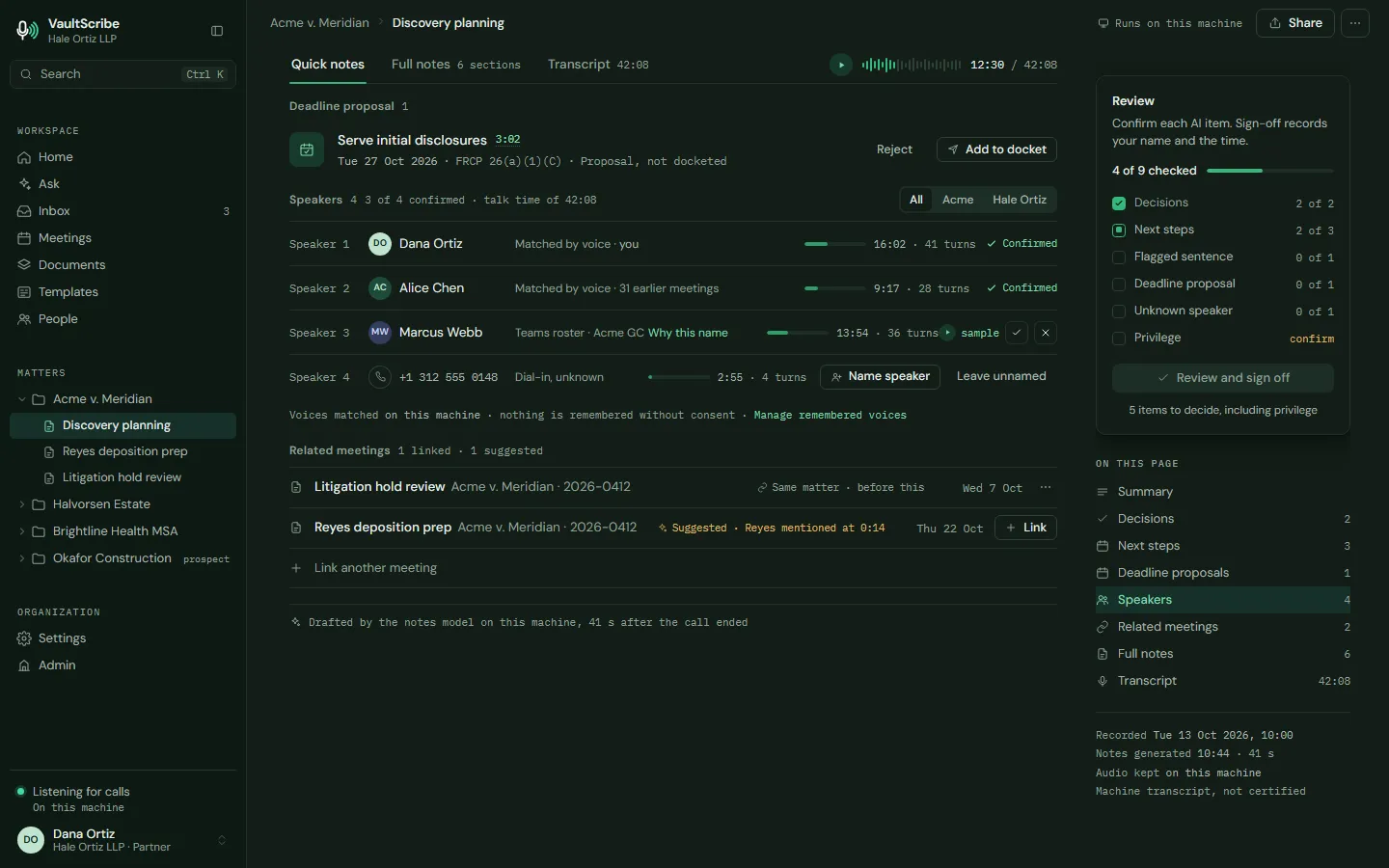
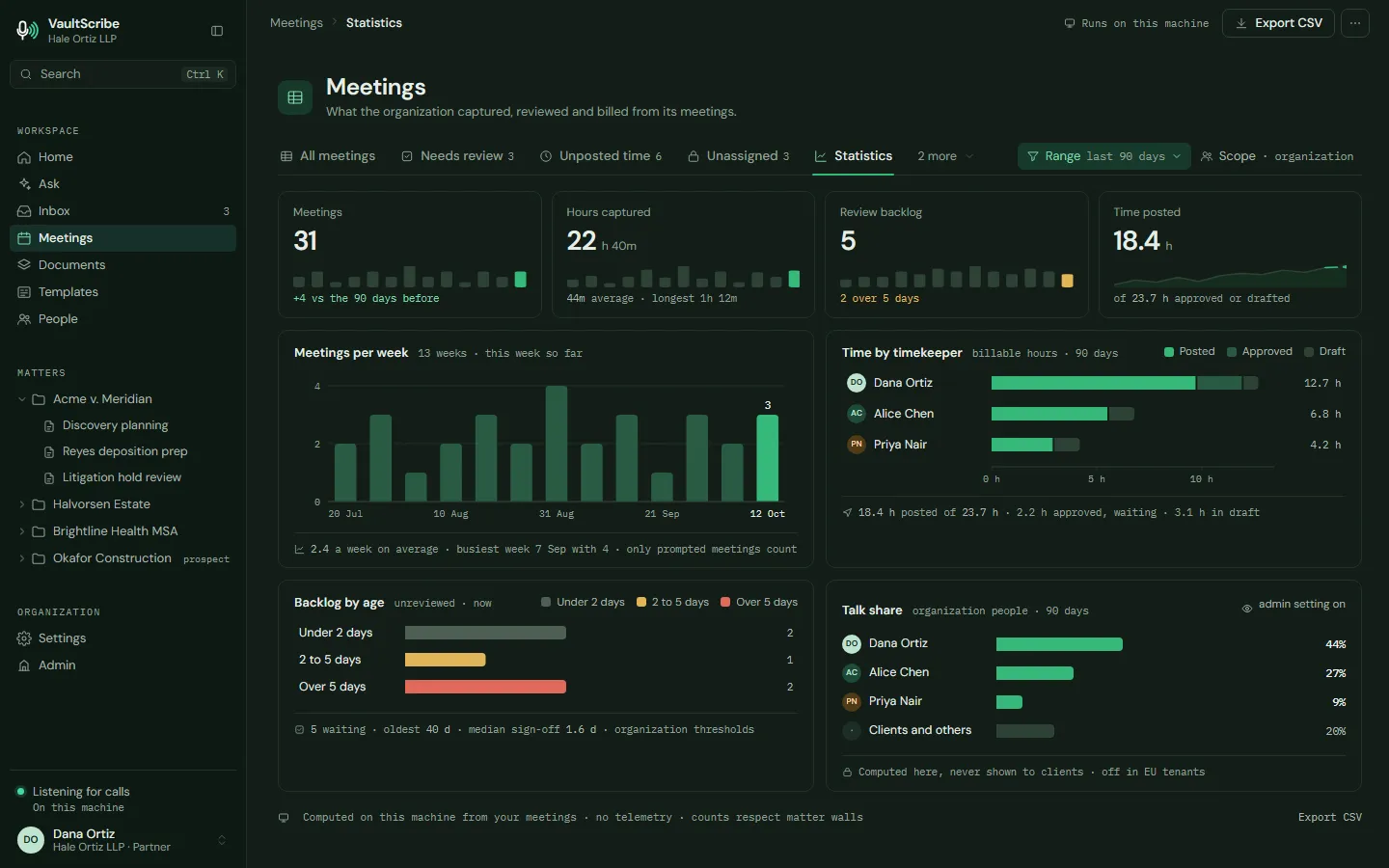
Ask. One question across your meetings and documents, answered once with citations you can check.
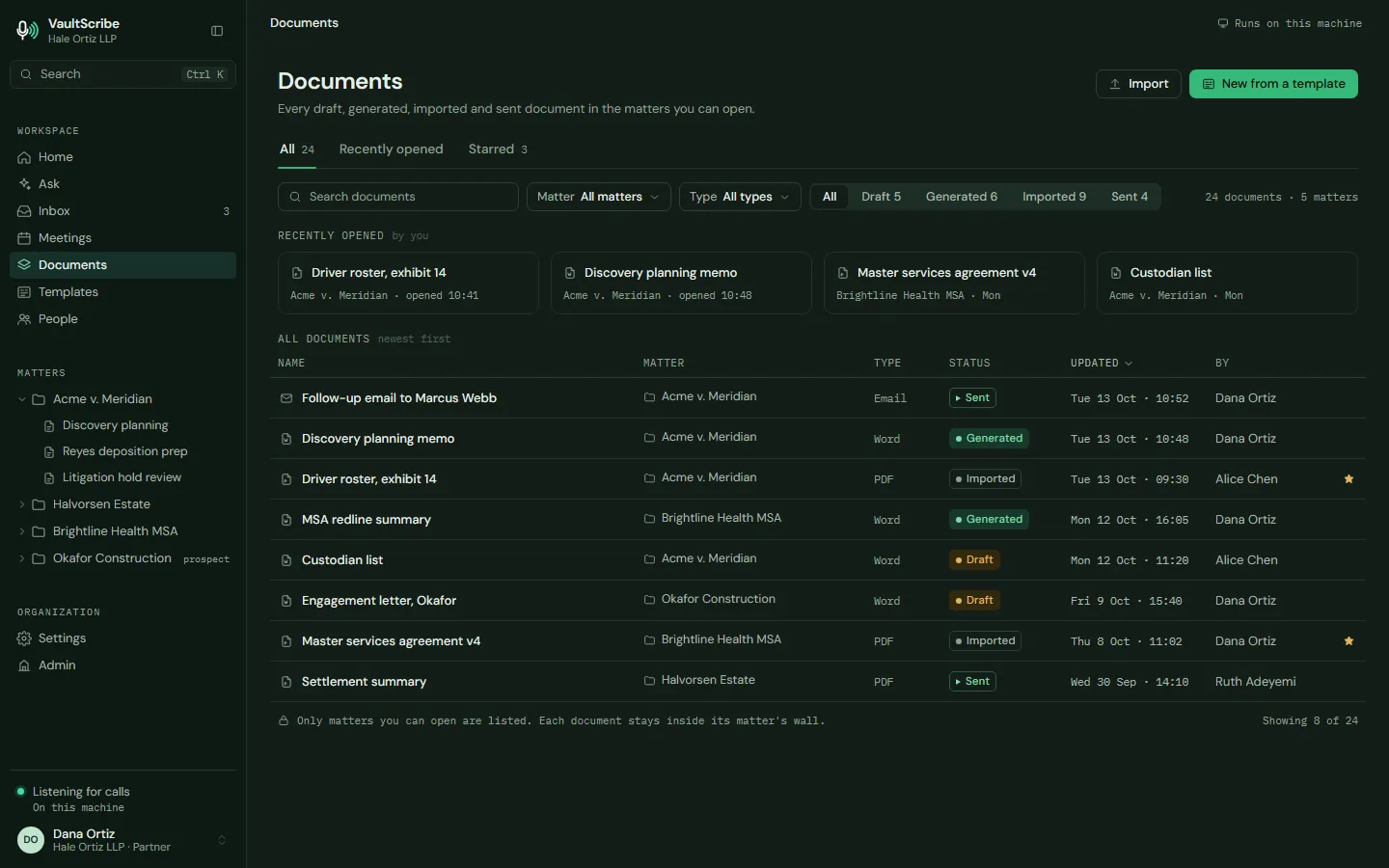
Documents. Every draft, generated, imported and sent document, kept inside its matter's wall.
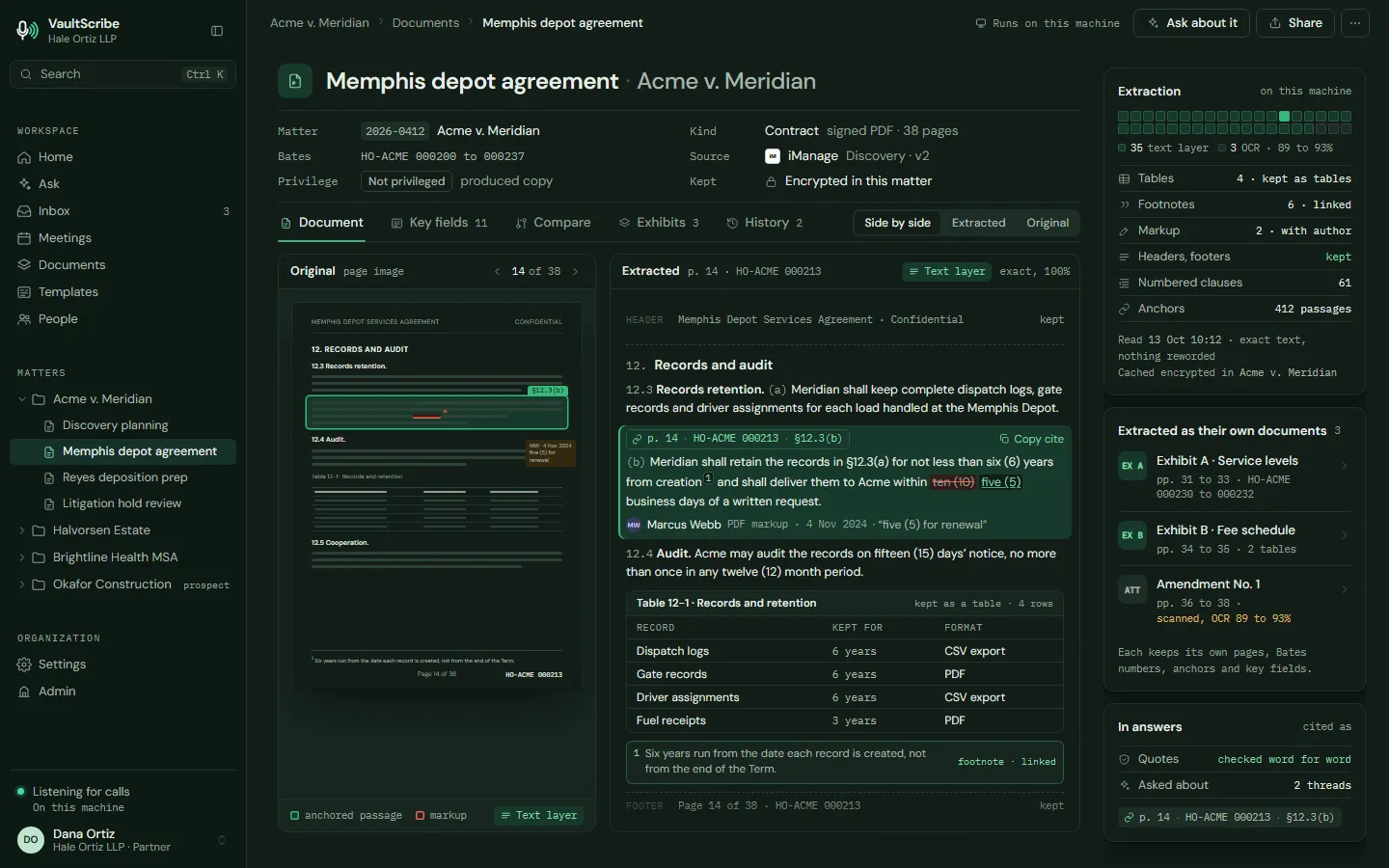
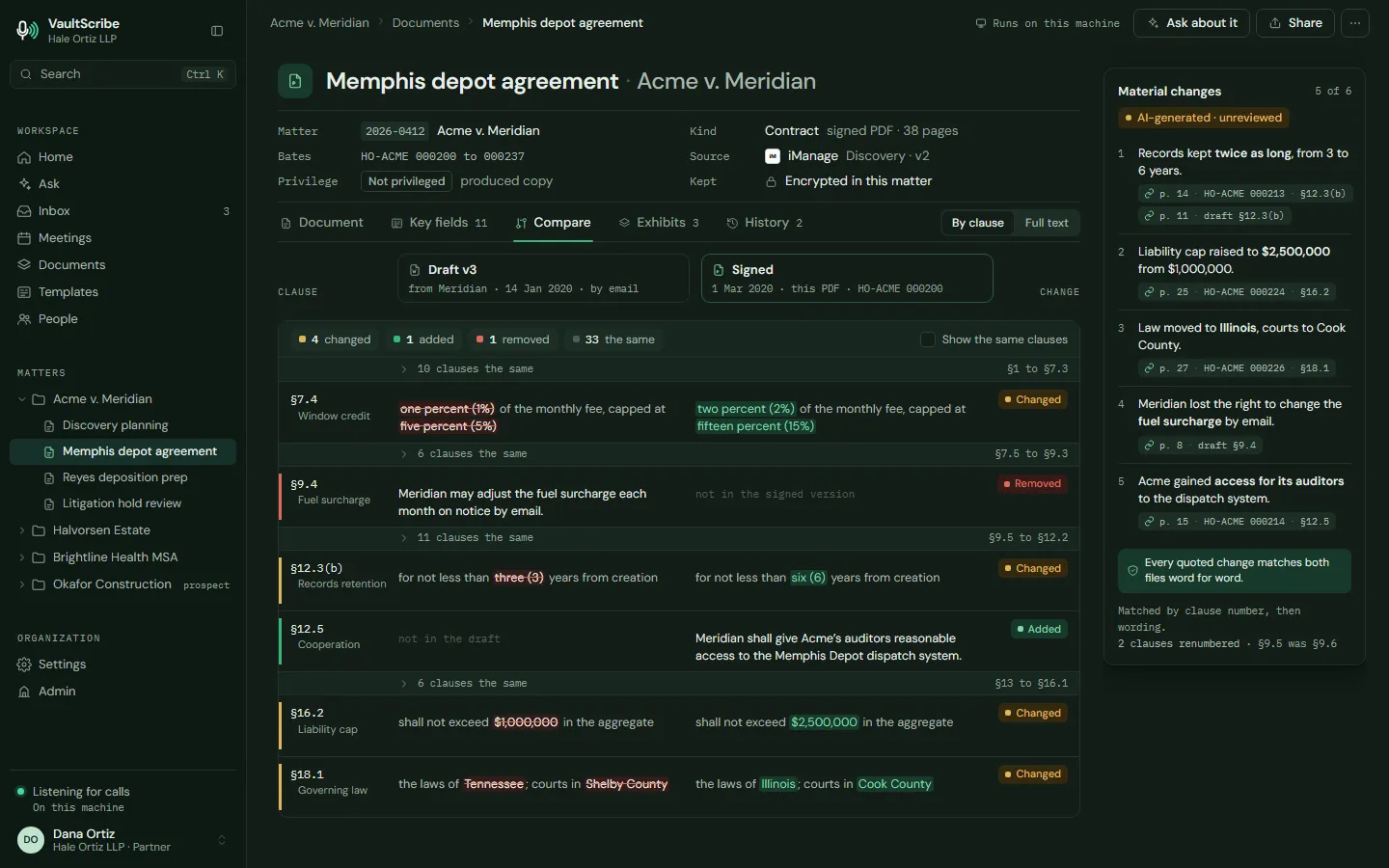
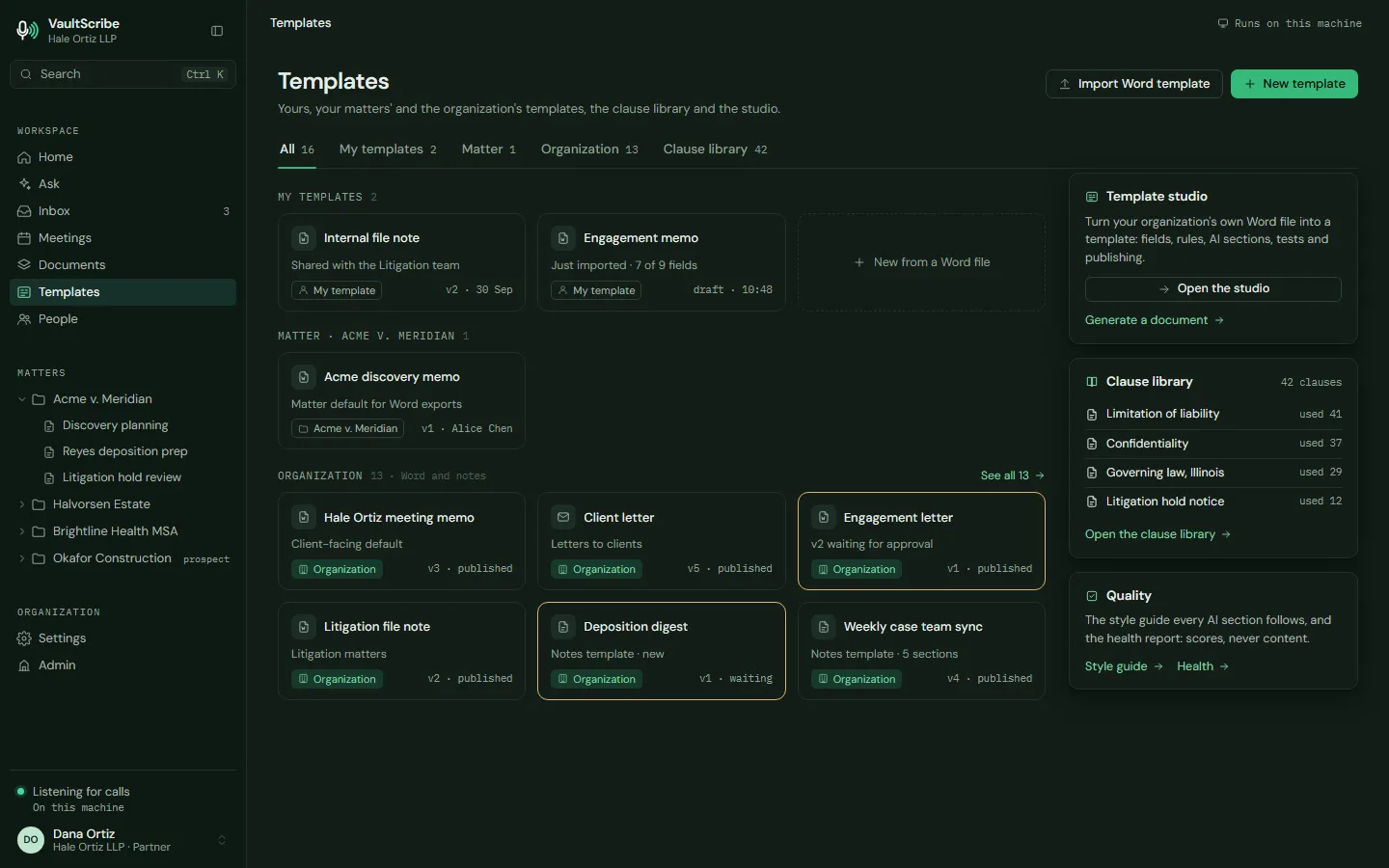
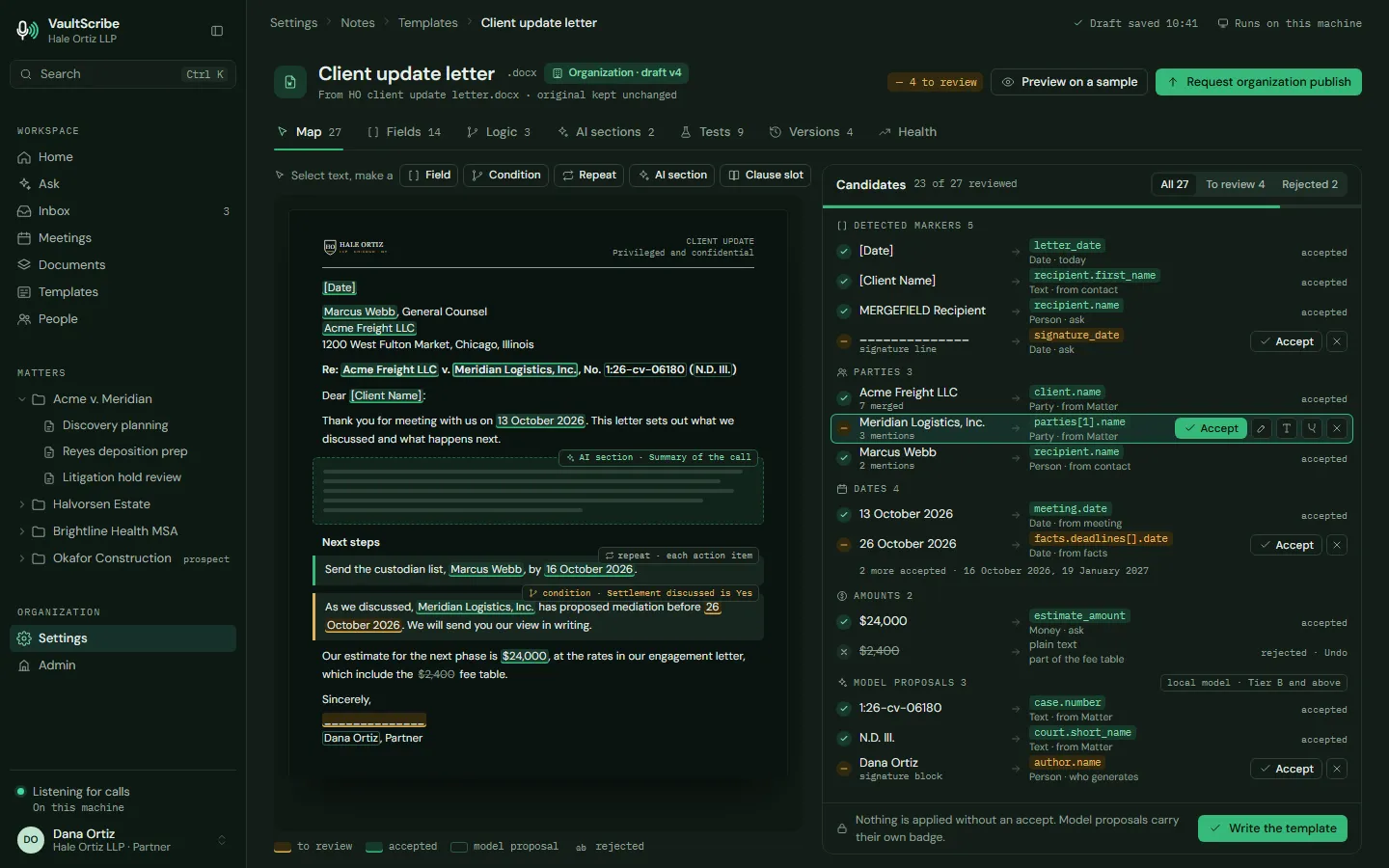
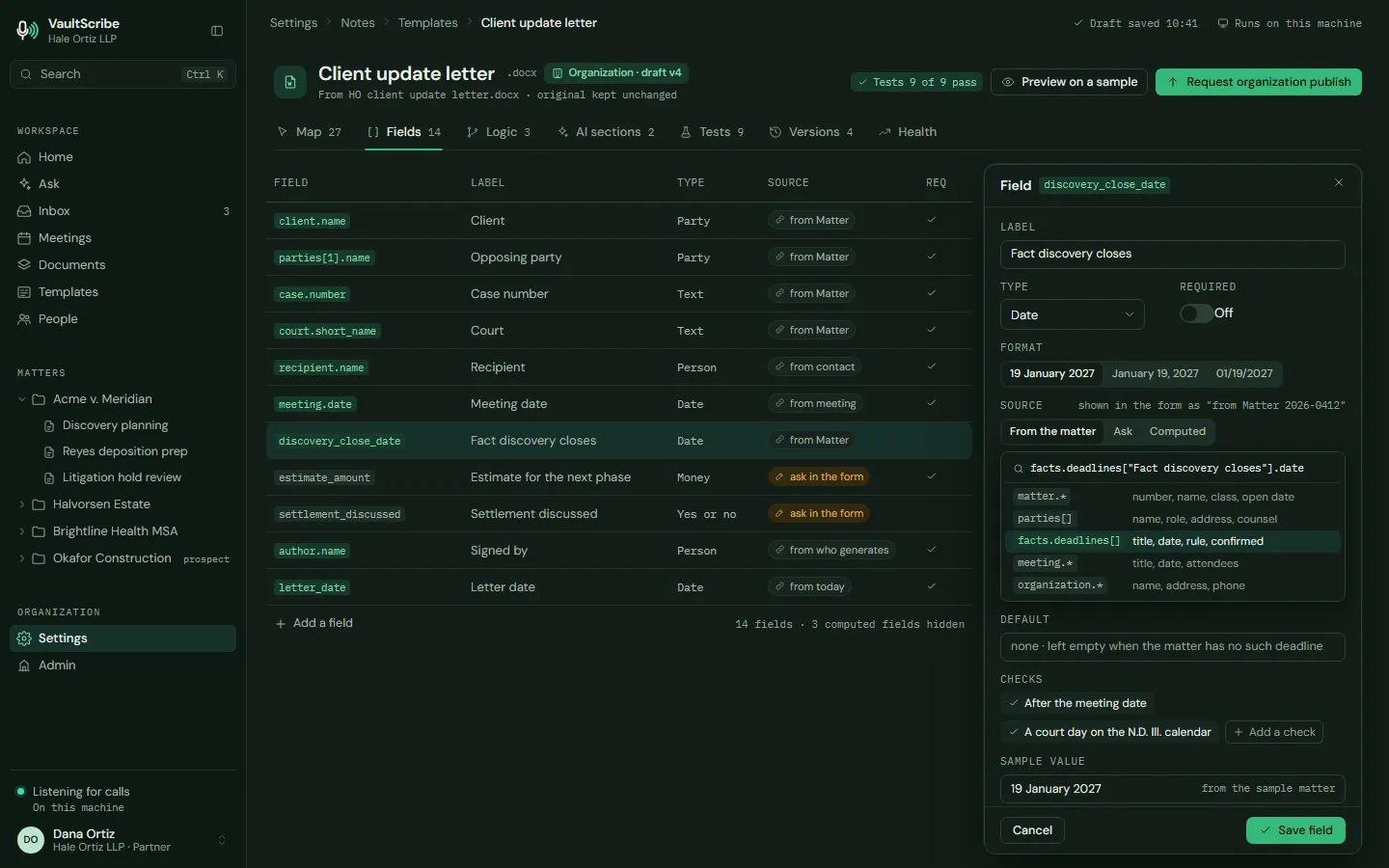
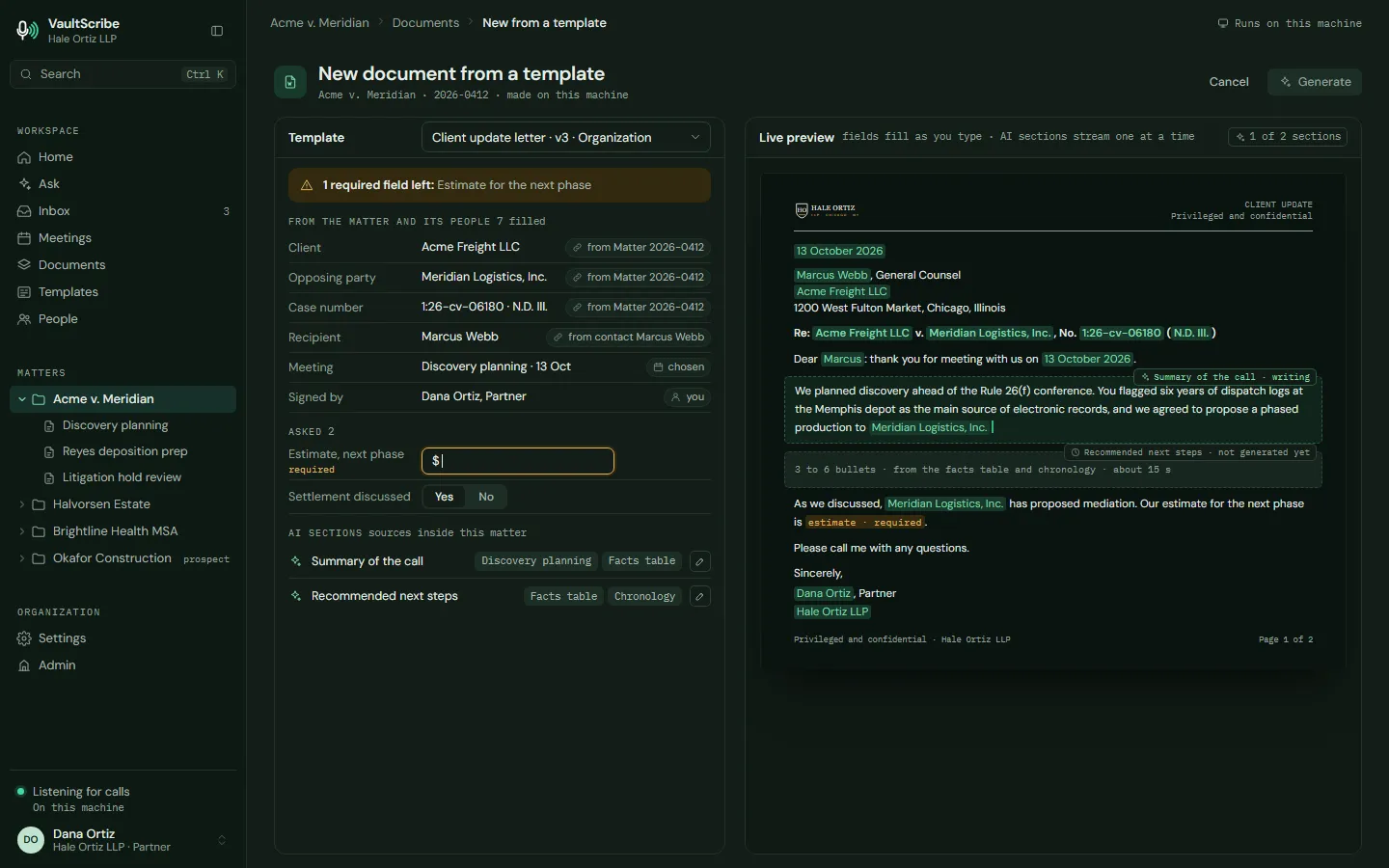
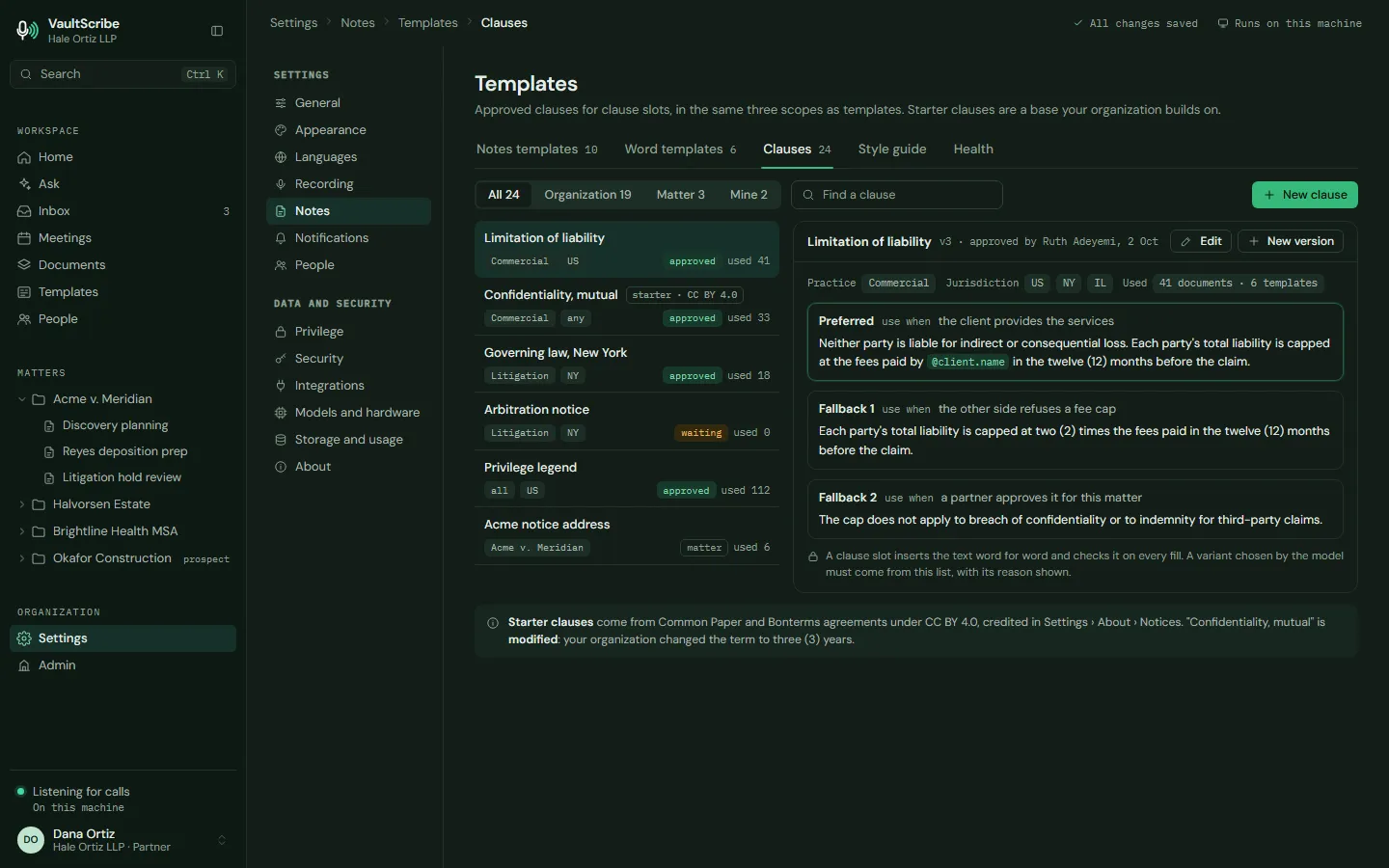
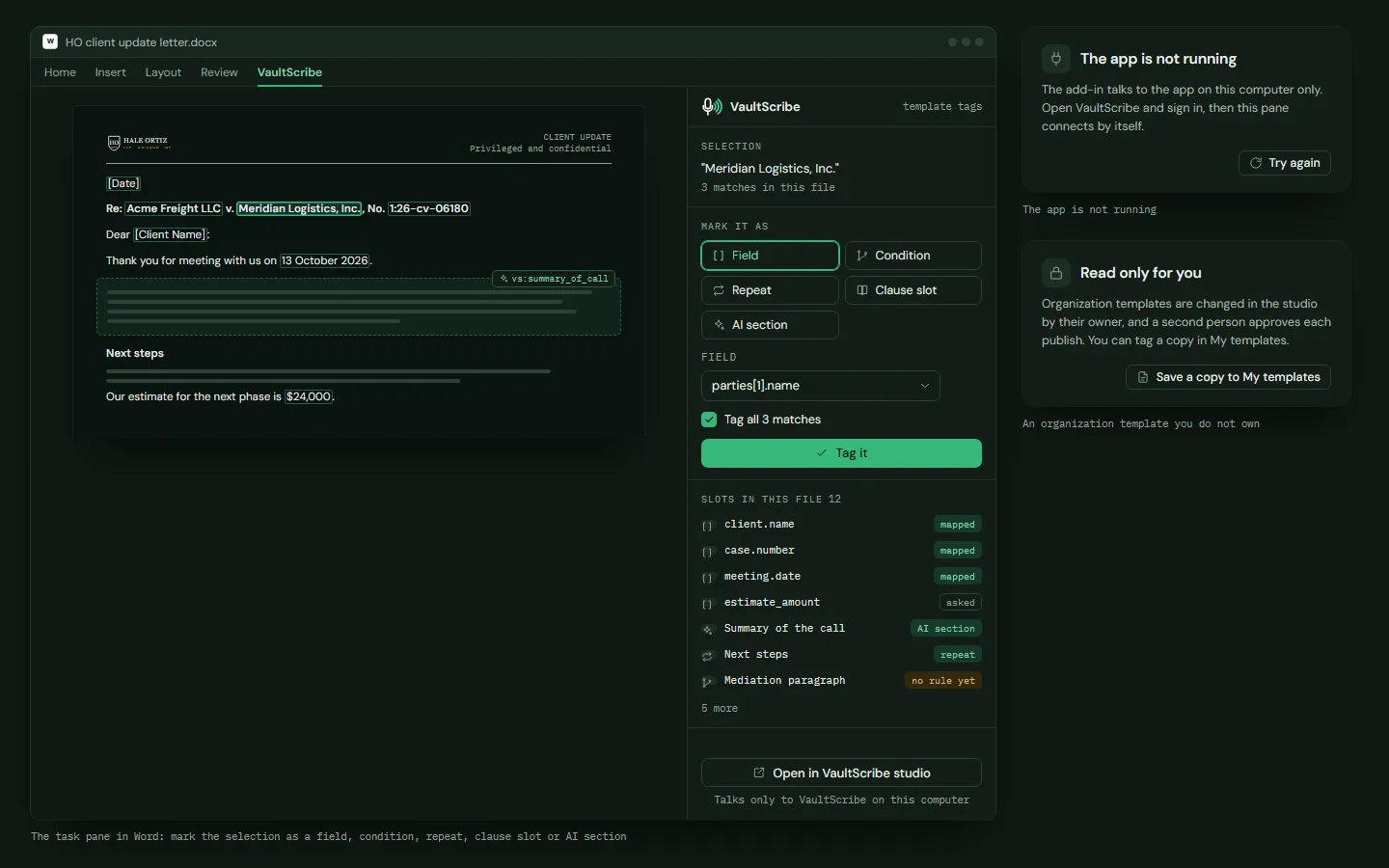
Templates. Your firm's own templates and clause library, and a studio that turns a Word file into a template.
People and calendars. Everyone in your meetings, and the calendars and contacts you connect, with exactly what each connection can do.
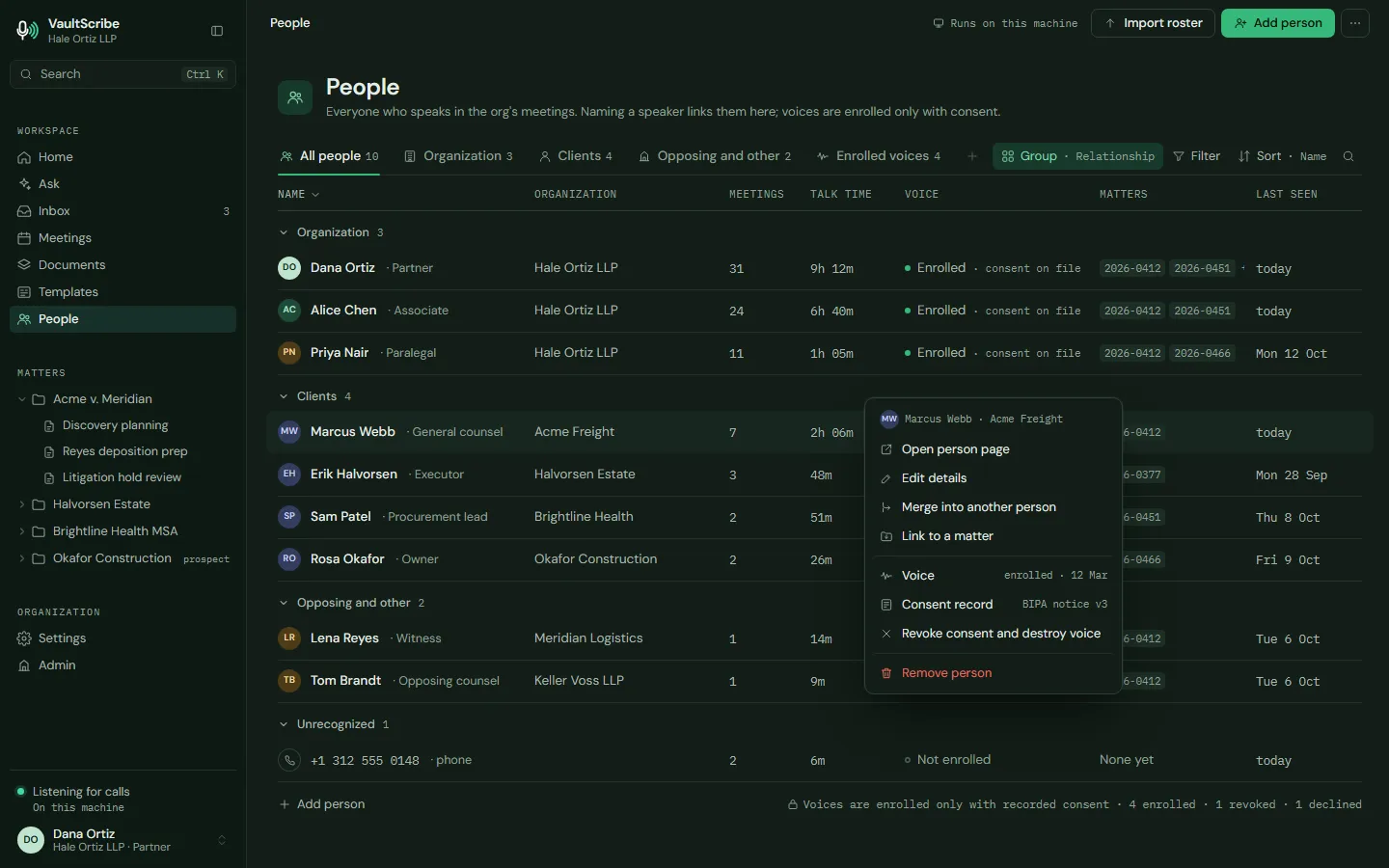
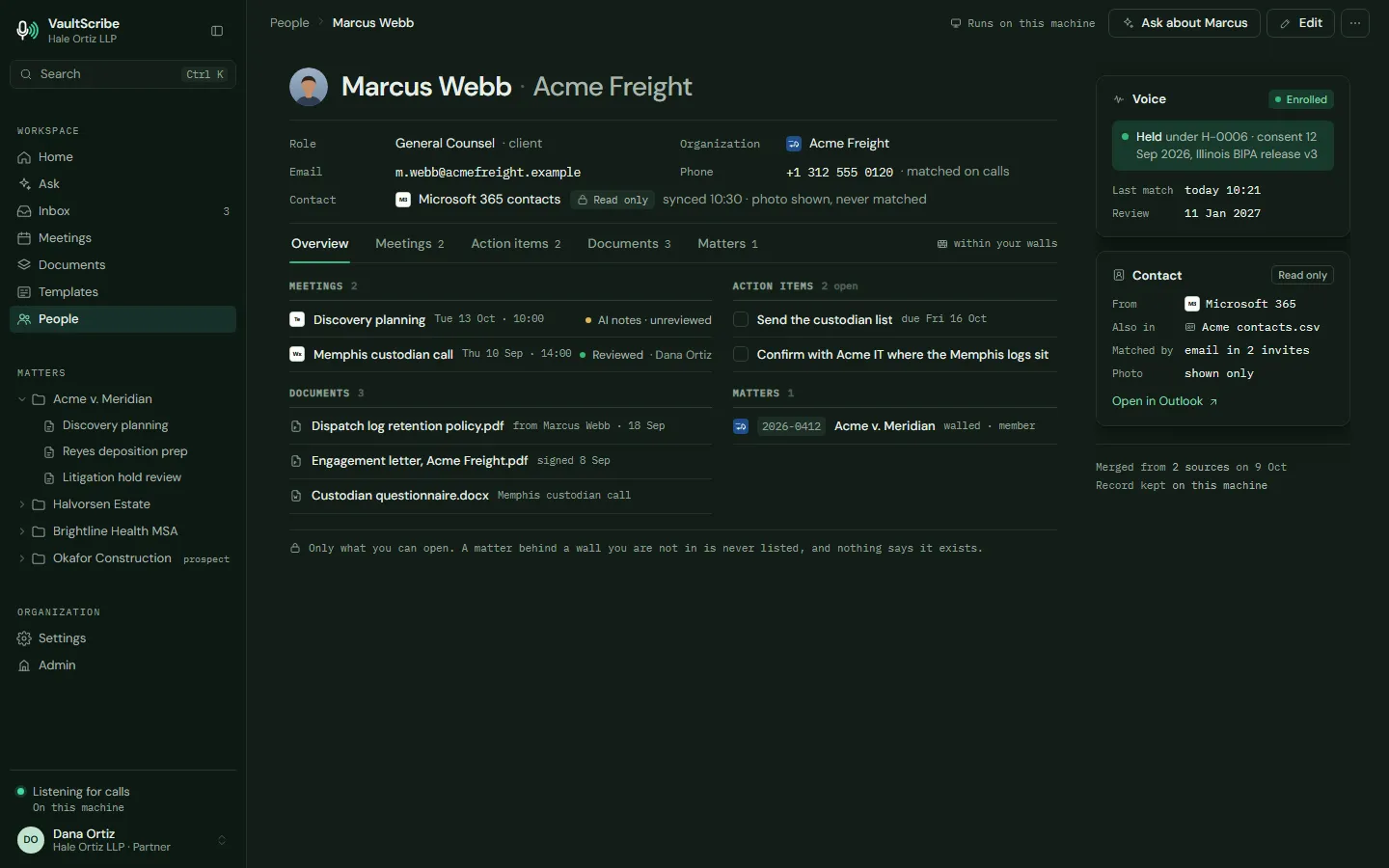
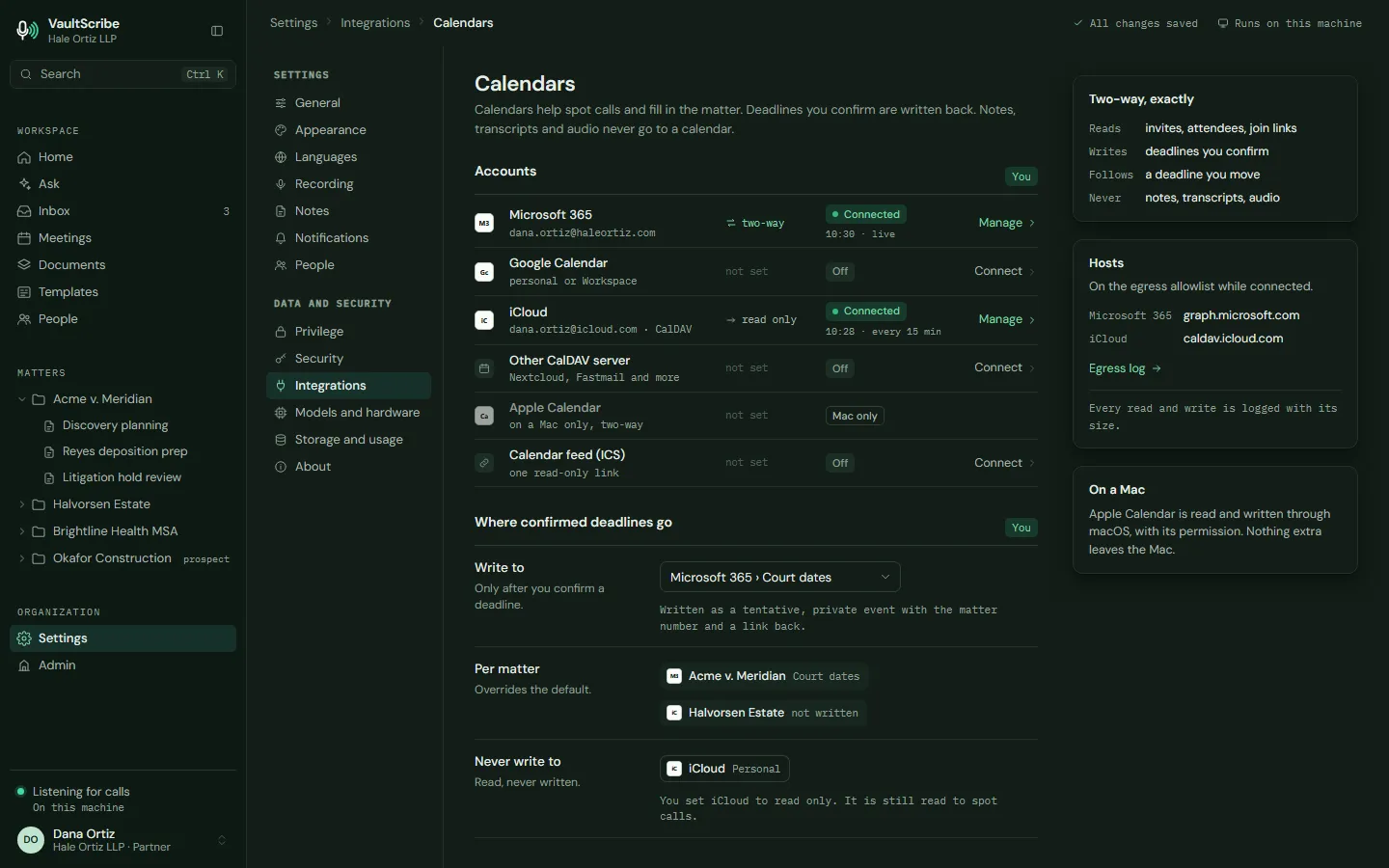
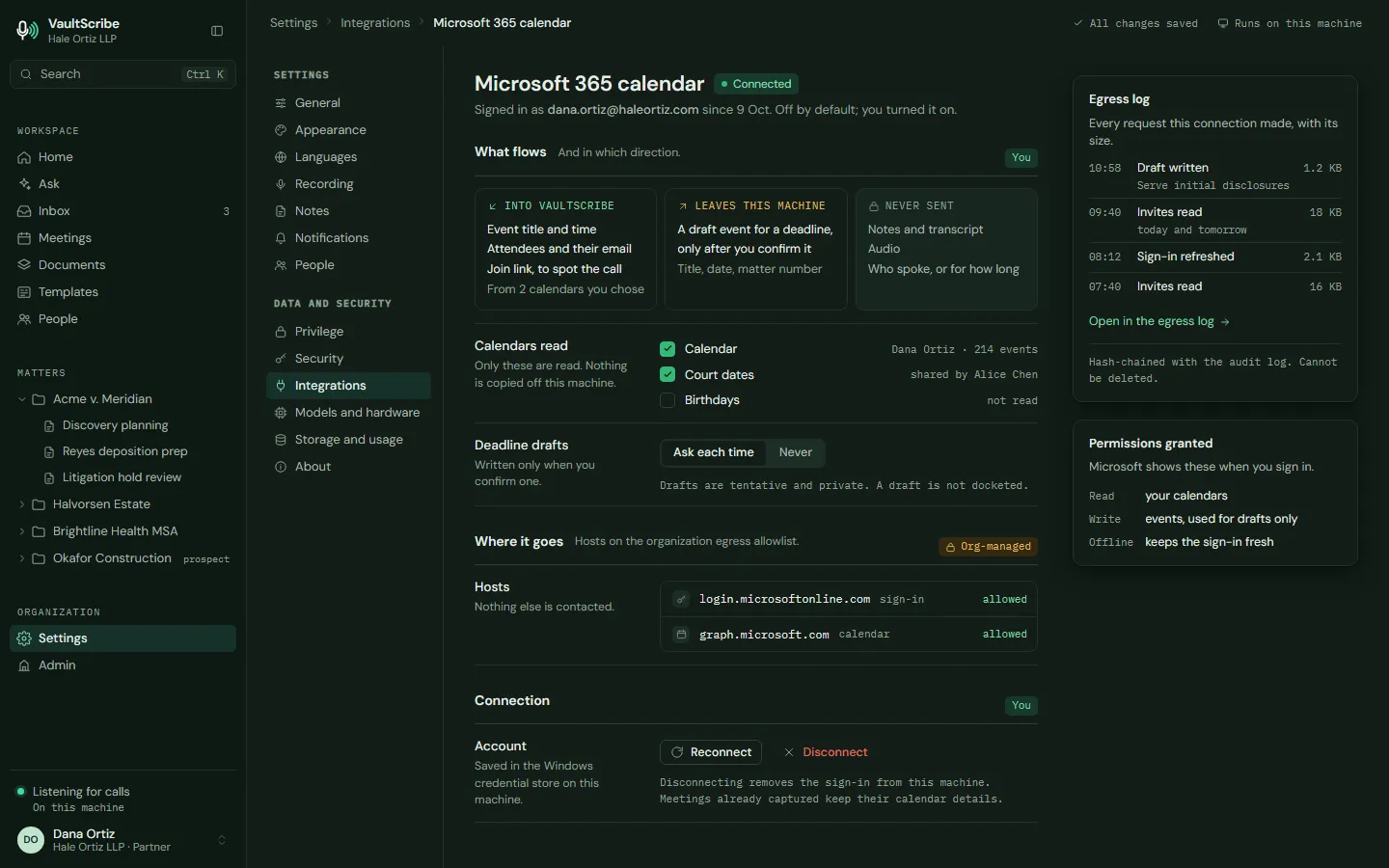
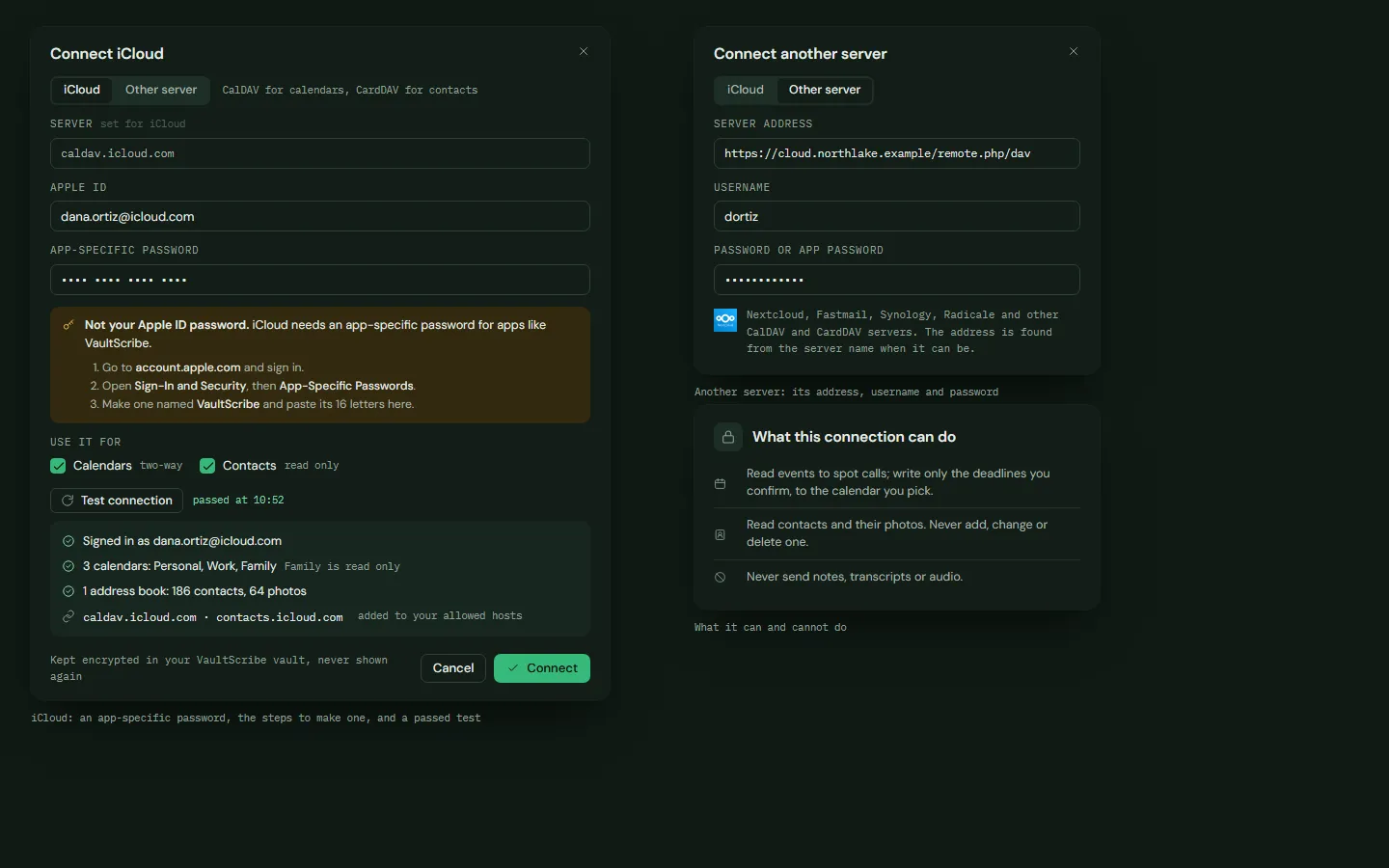
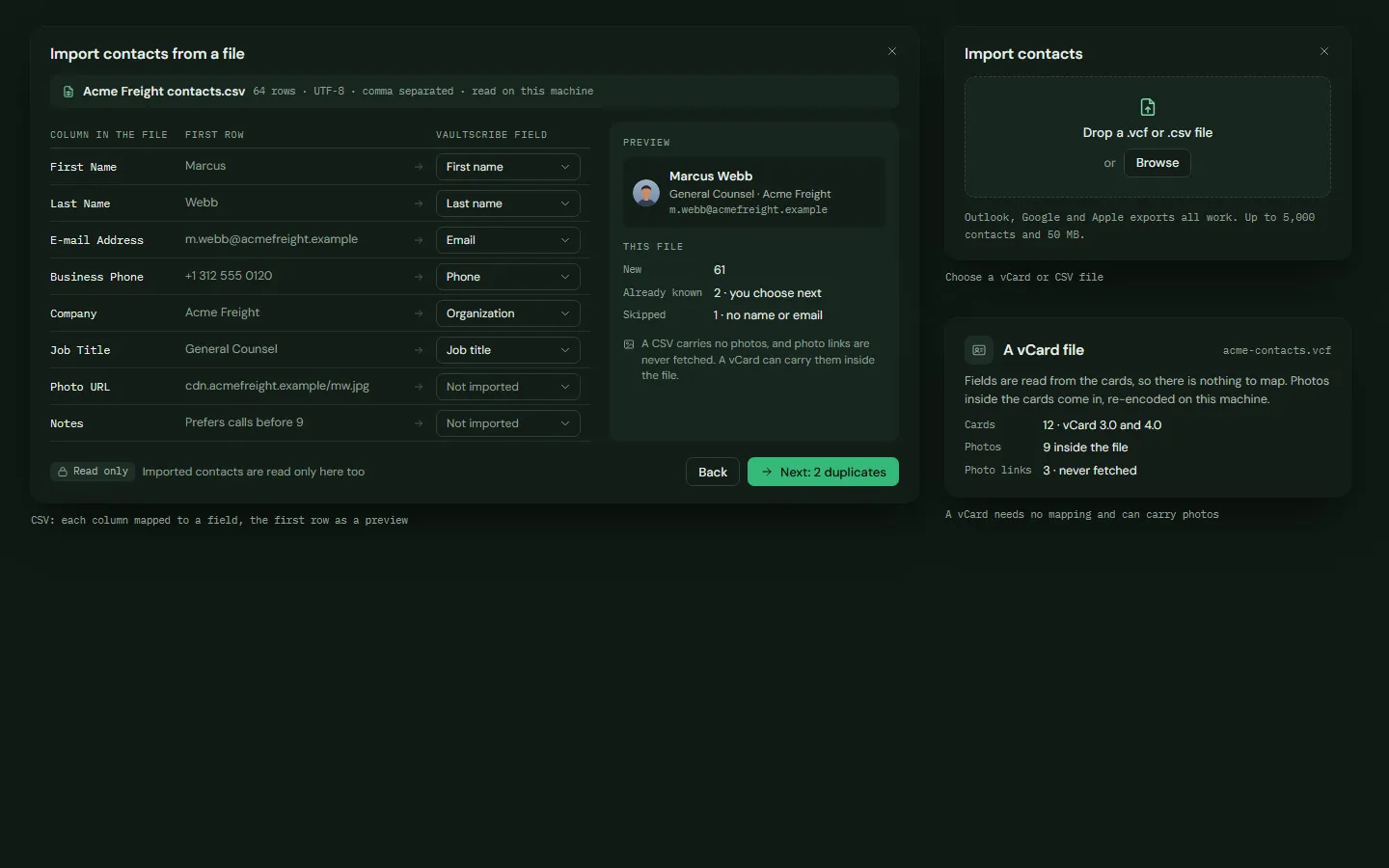
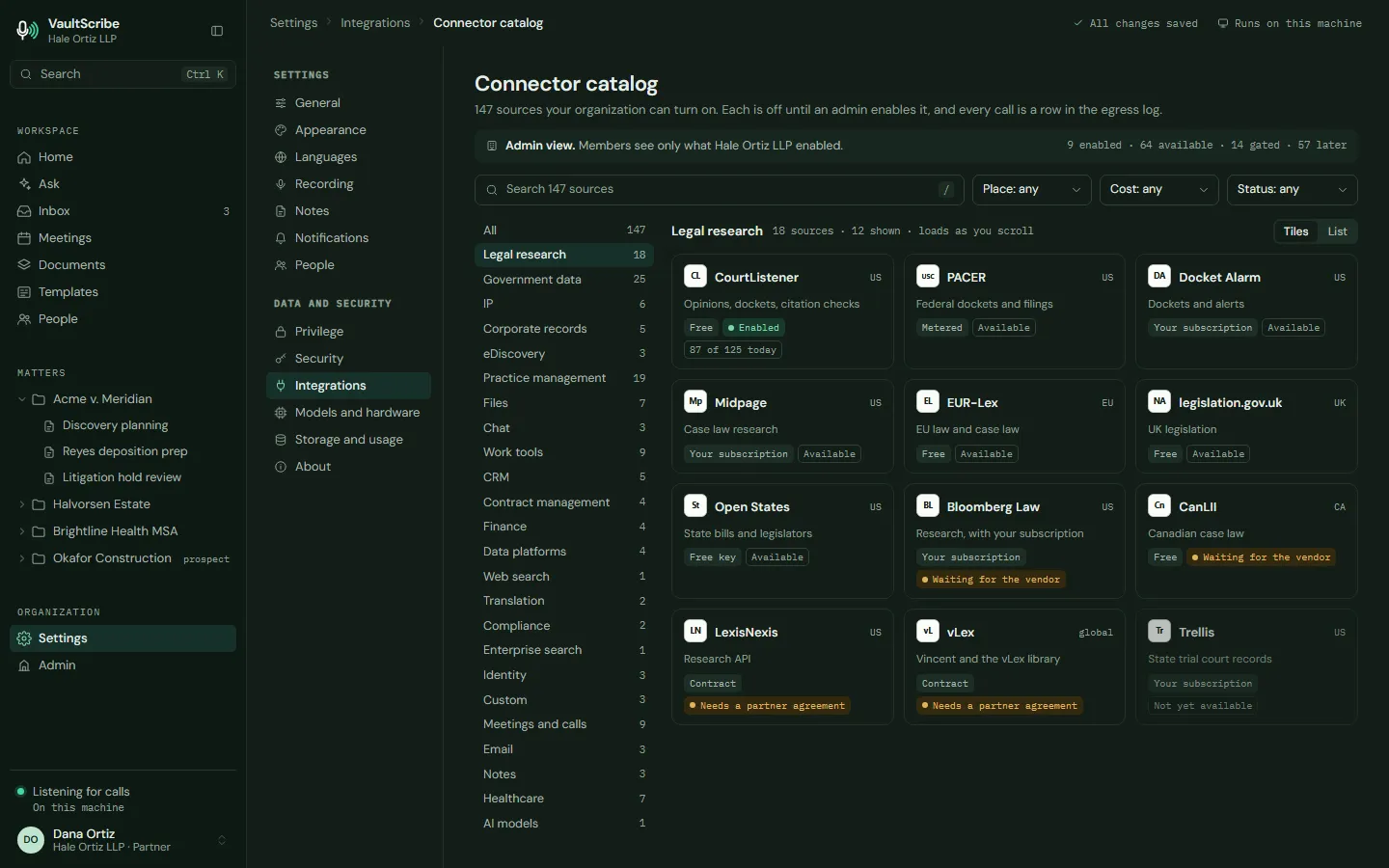
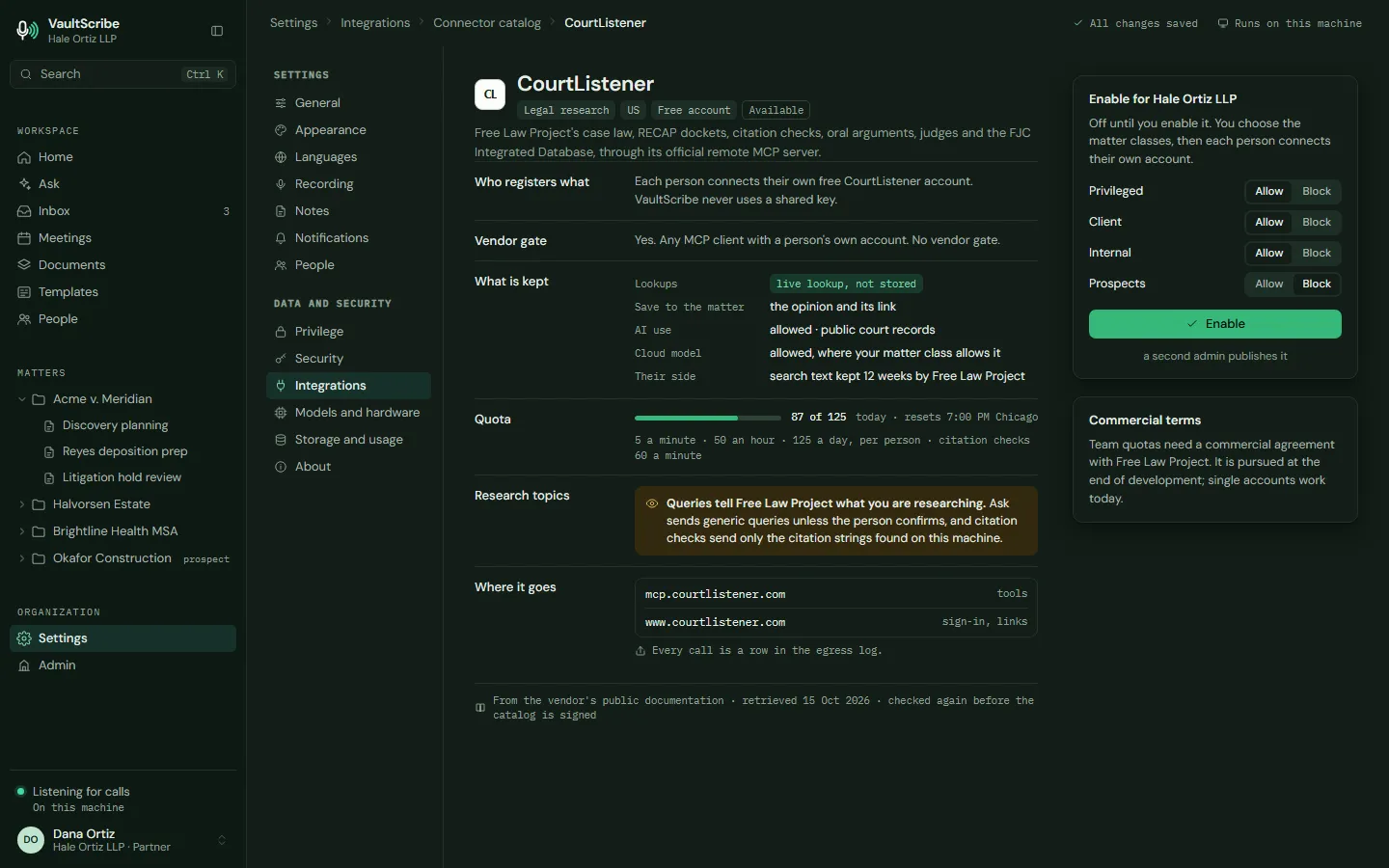
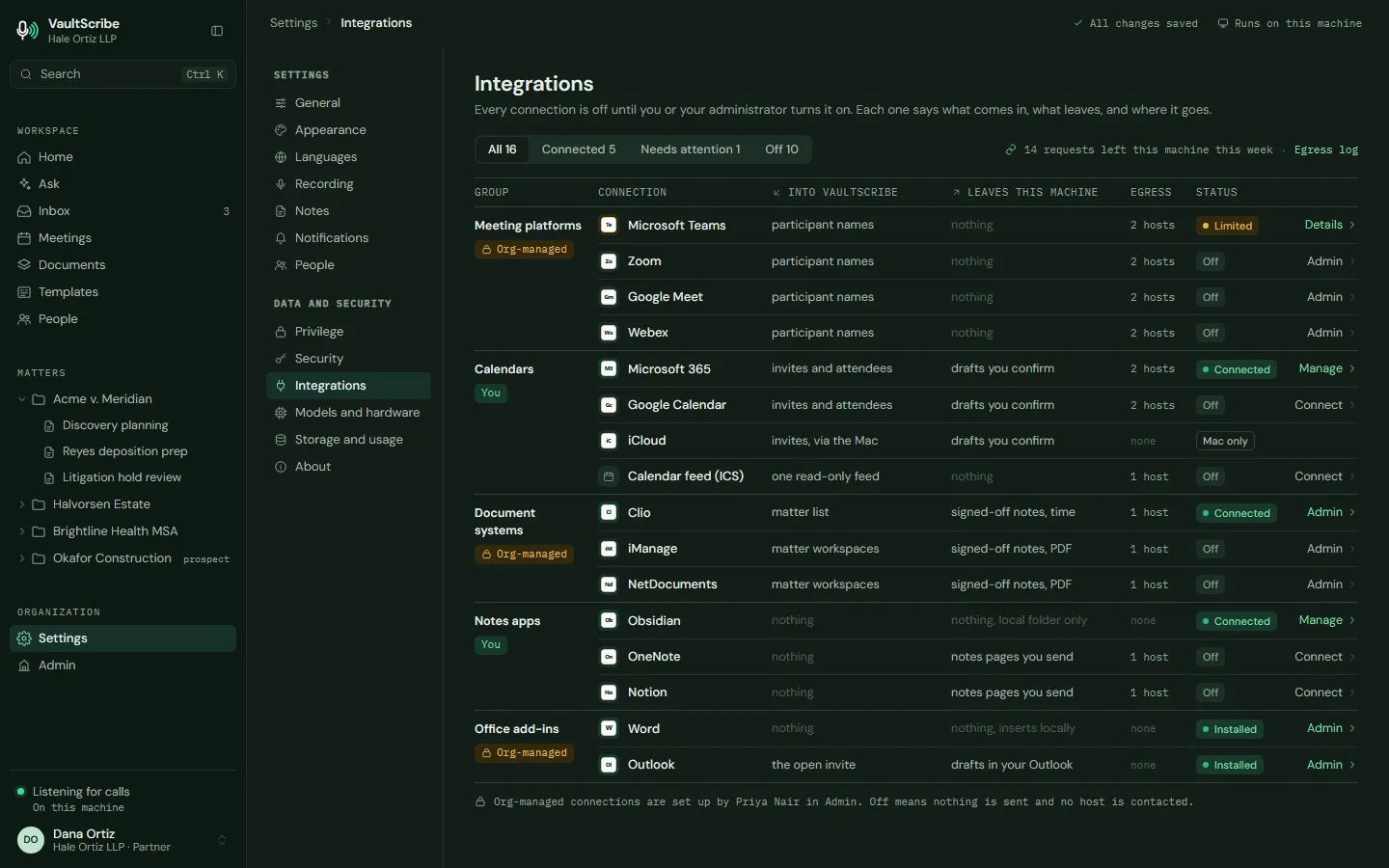
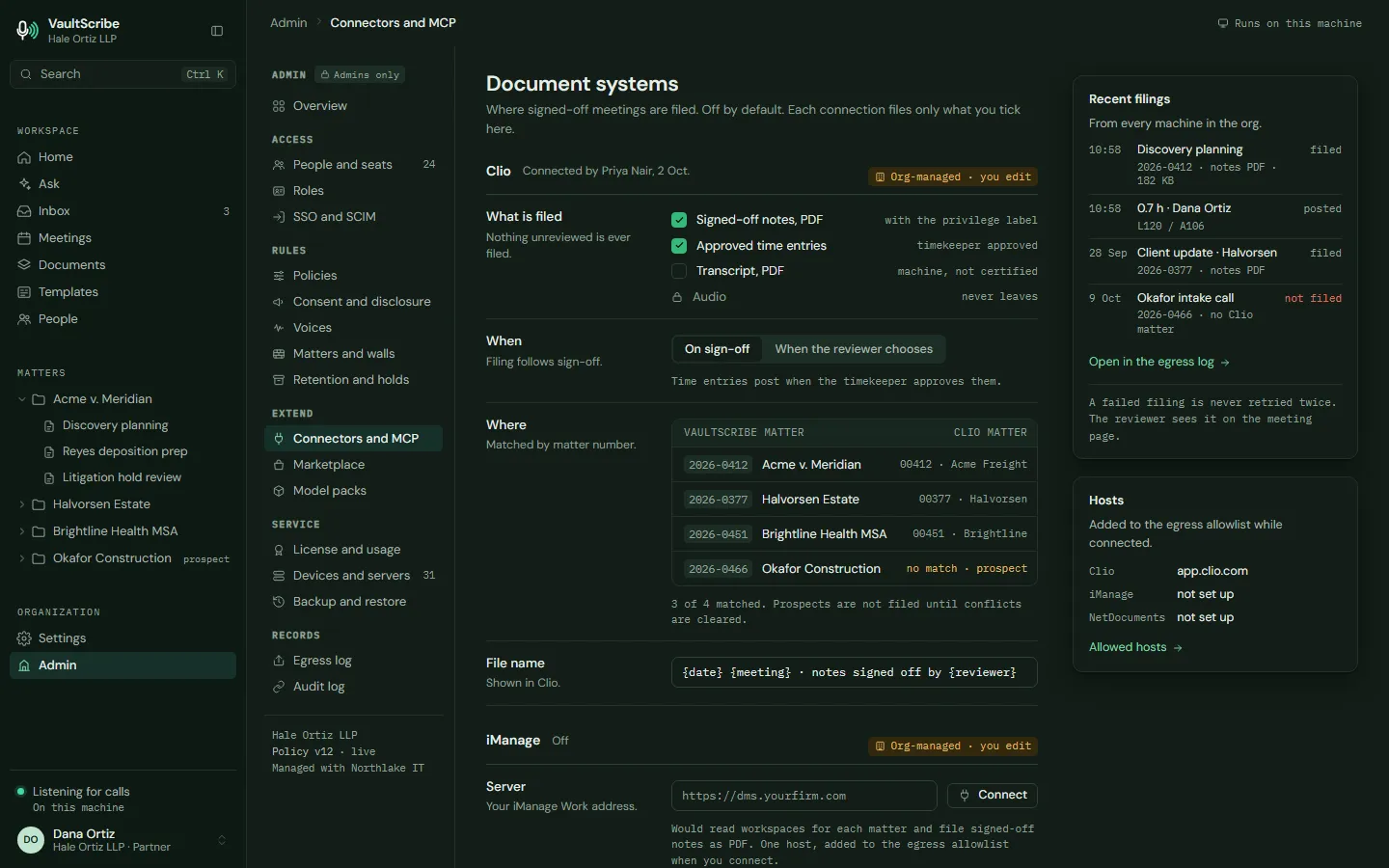
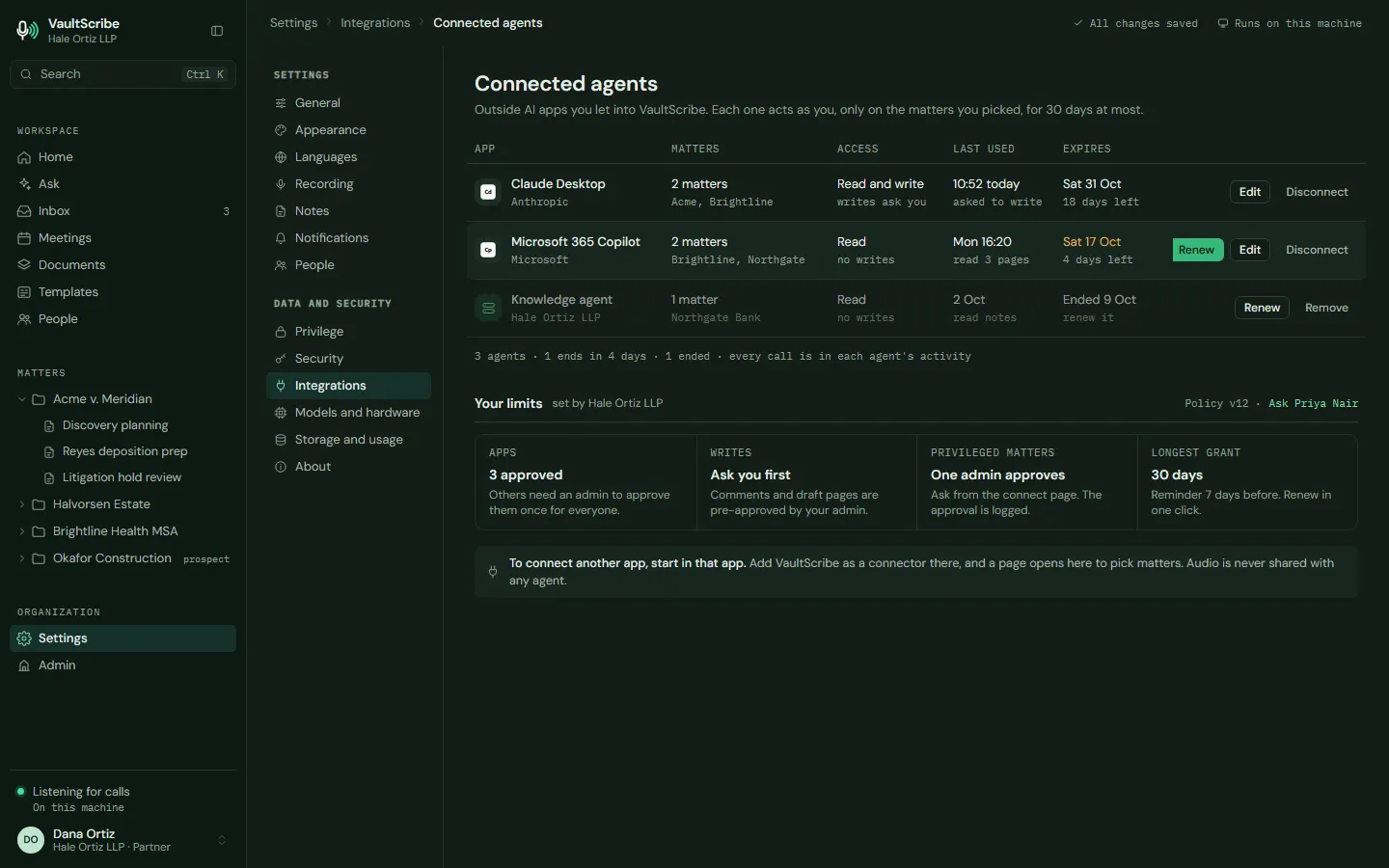
Connections. Connect the systems and sources your firm already uses, each one off until an administrator turns it on.
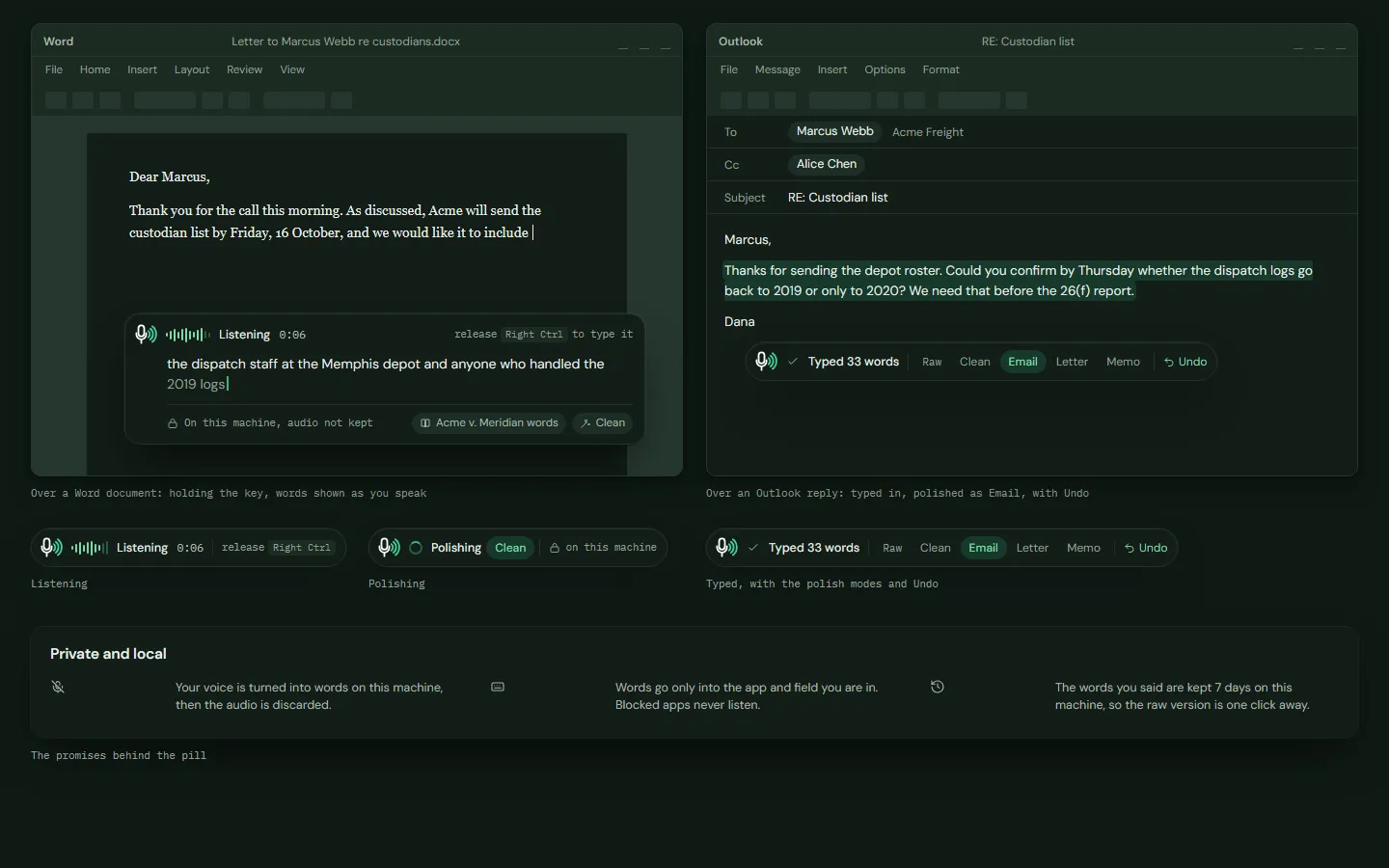
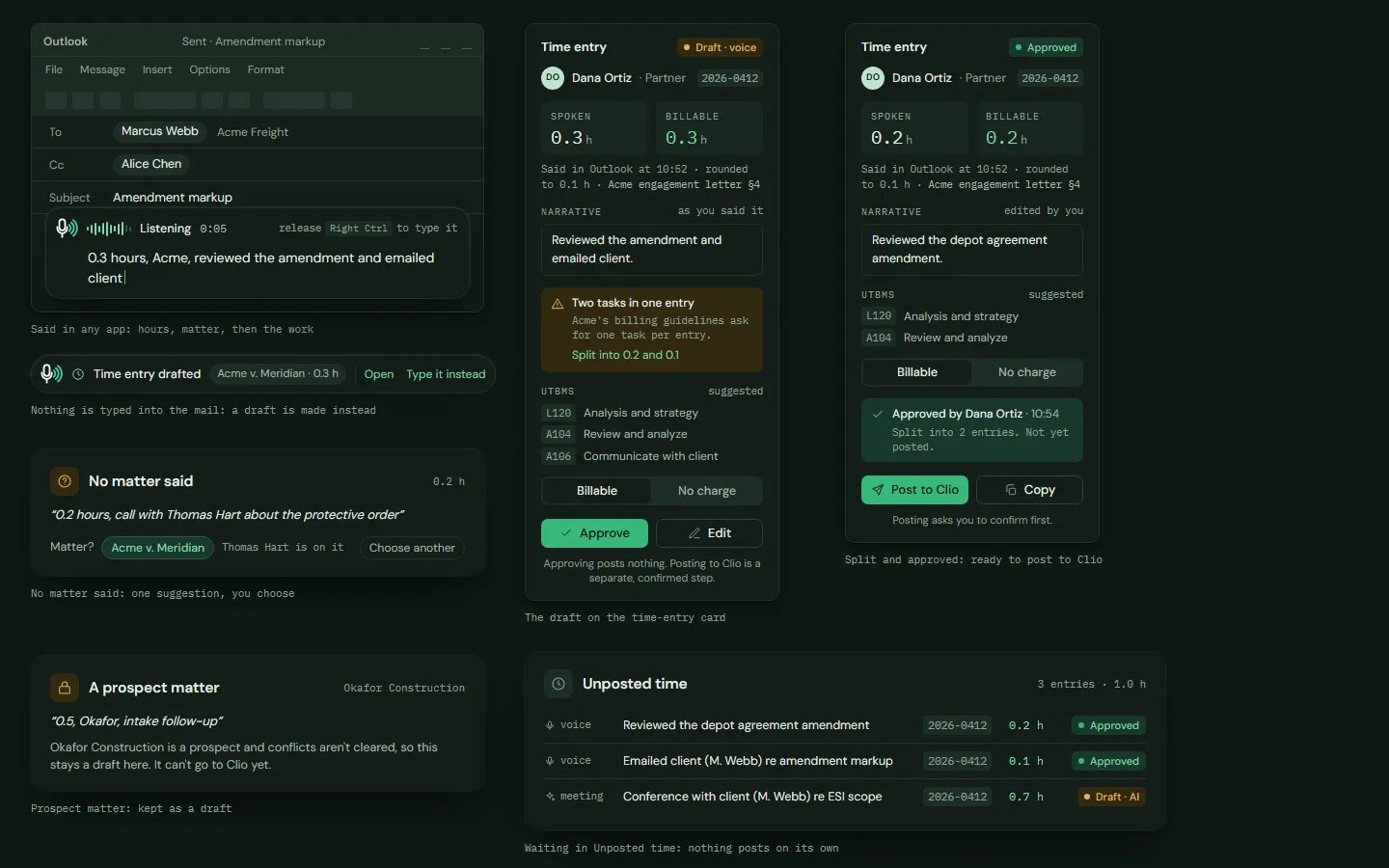
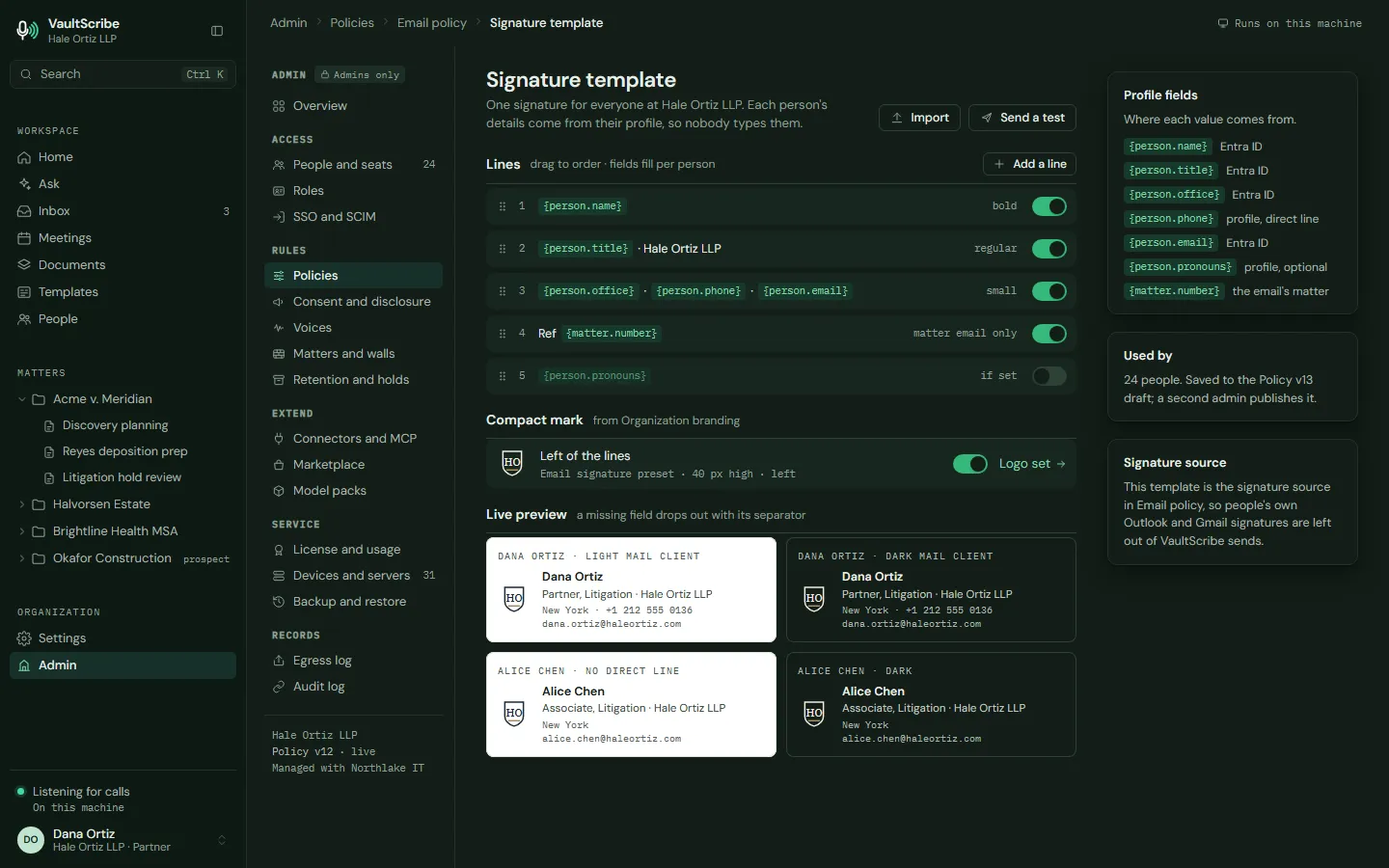
Voice and email. Speak into Word and Outlook, say a time entry, and send email with your firm's stamps and signature.
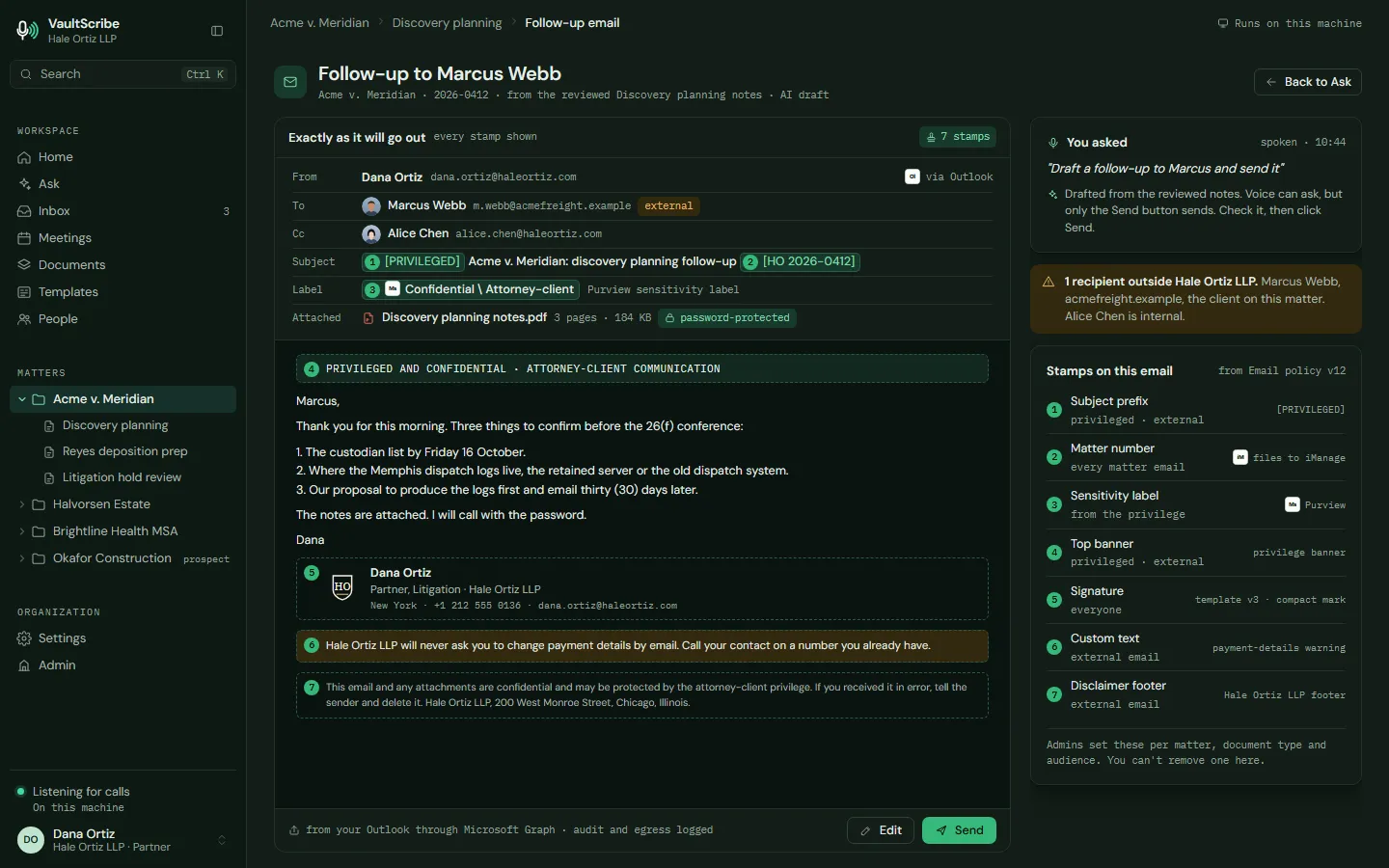
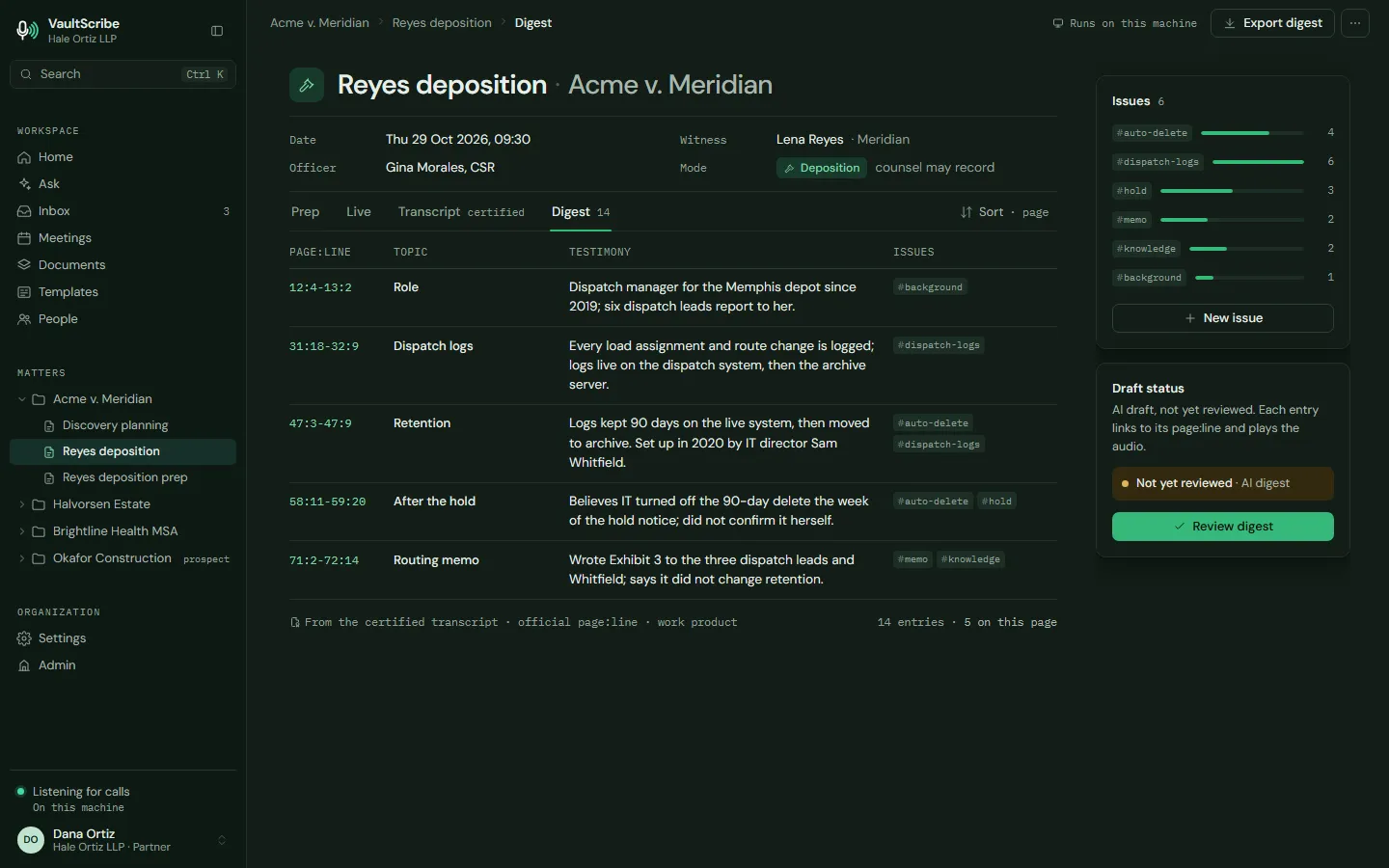
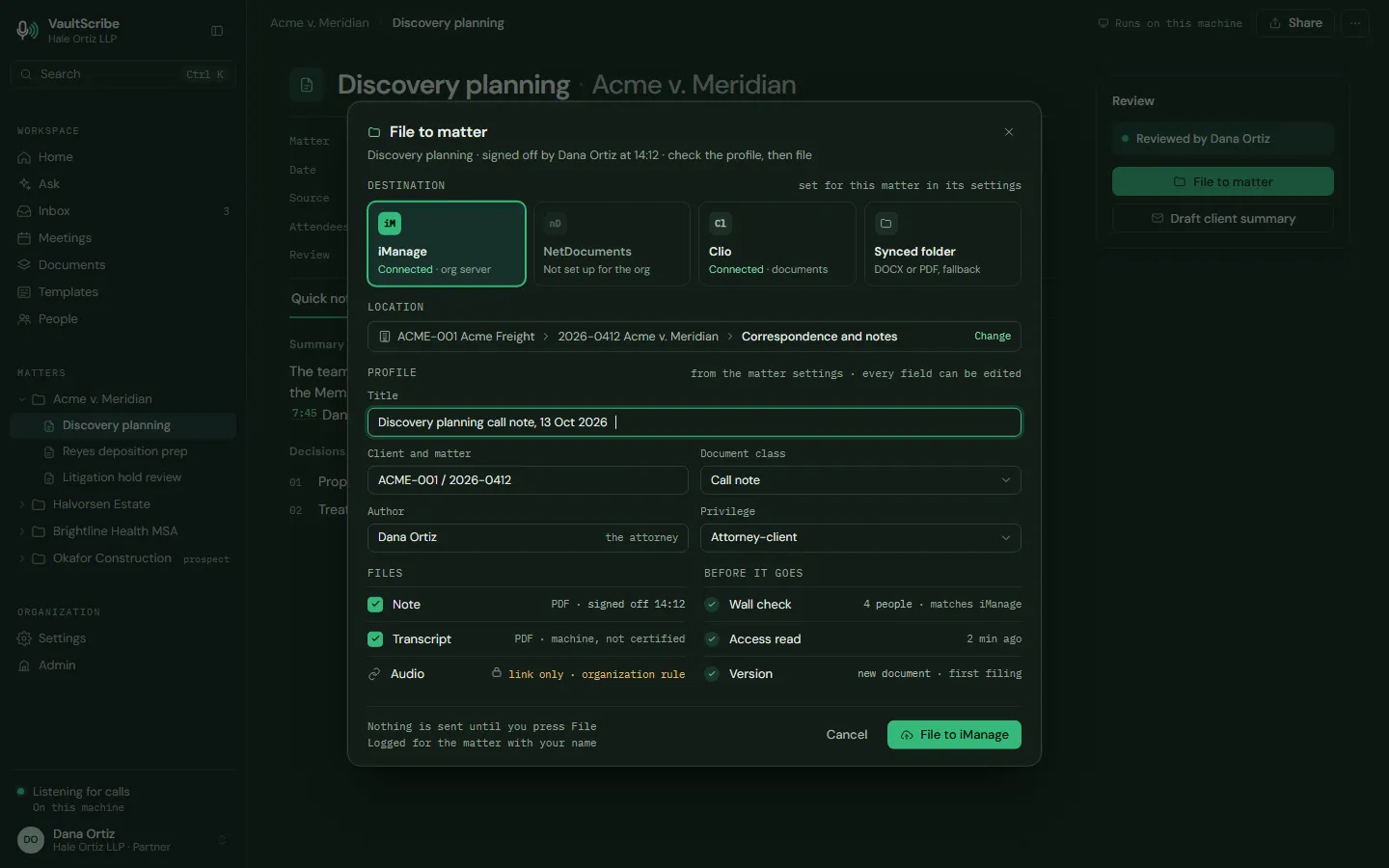
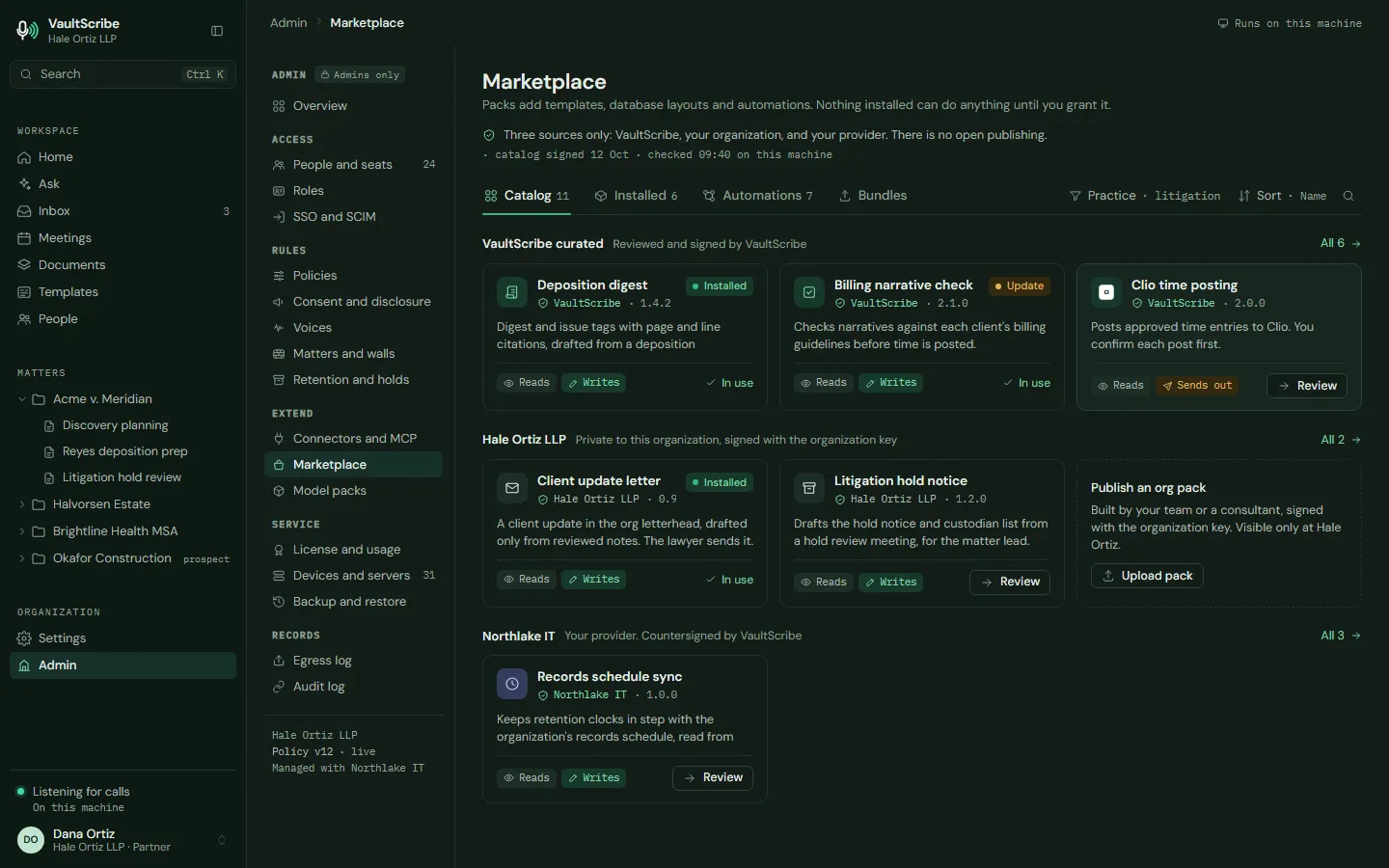
Legal work. Deposition digests, filing to the matter, privilege logs, billing rules, chronologies and client summaries.
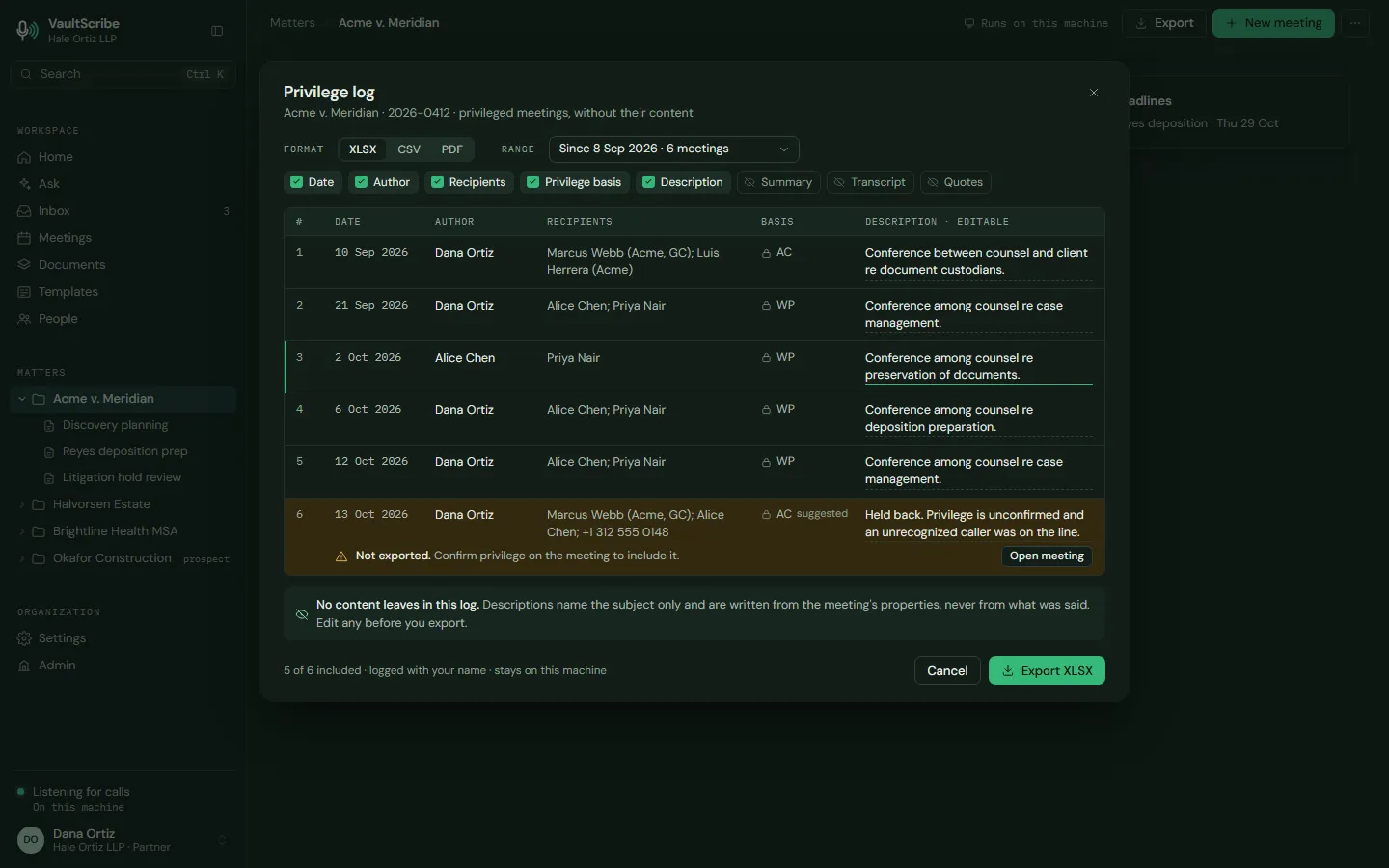
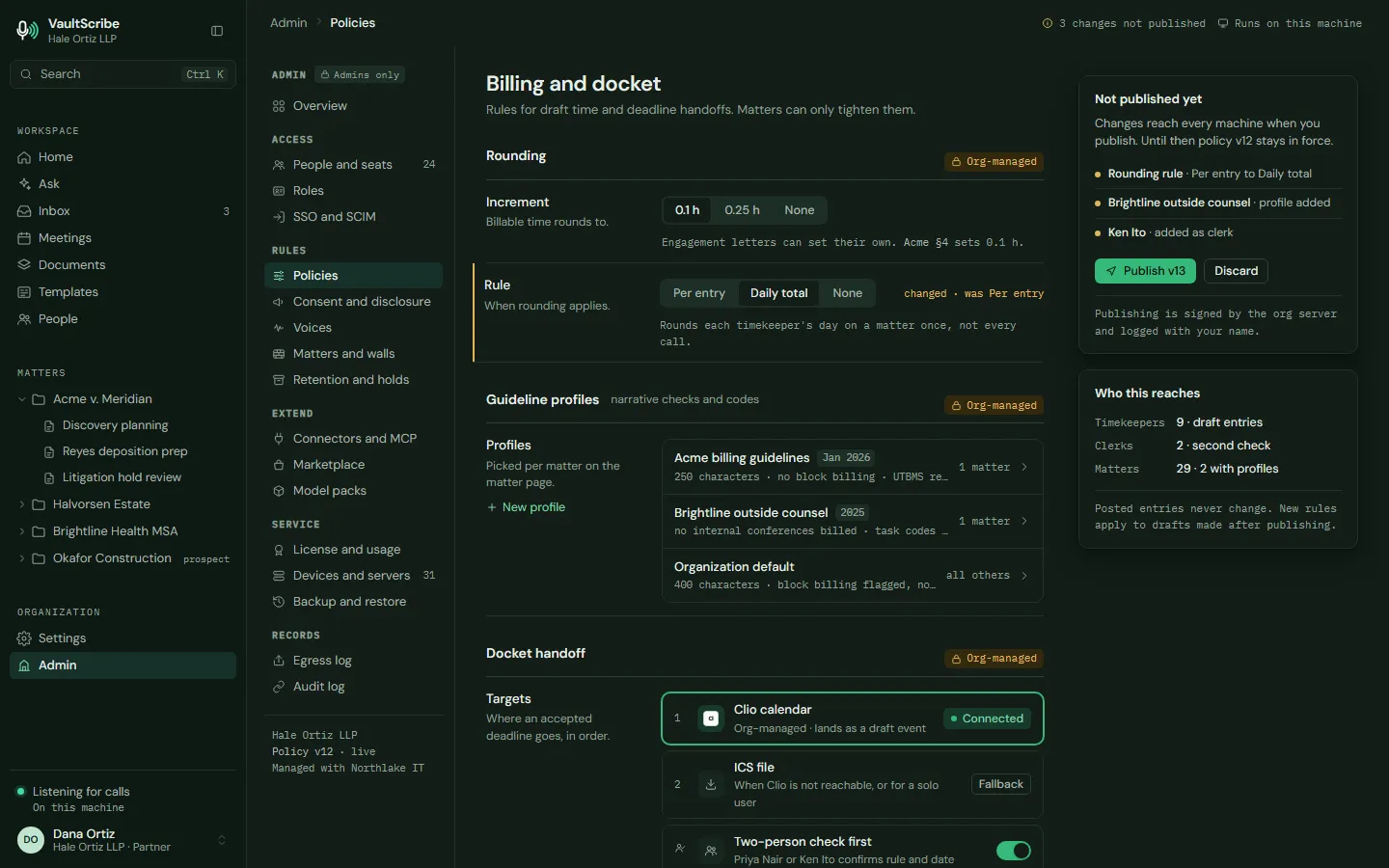
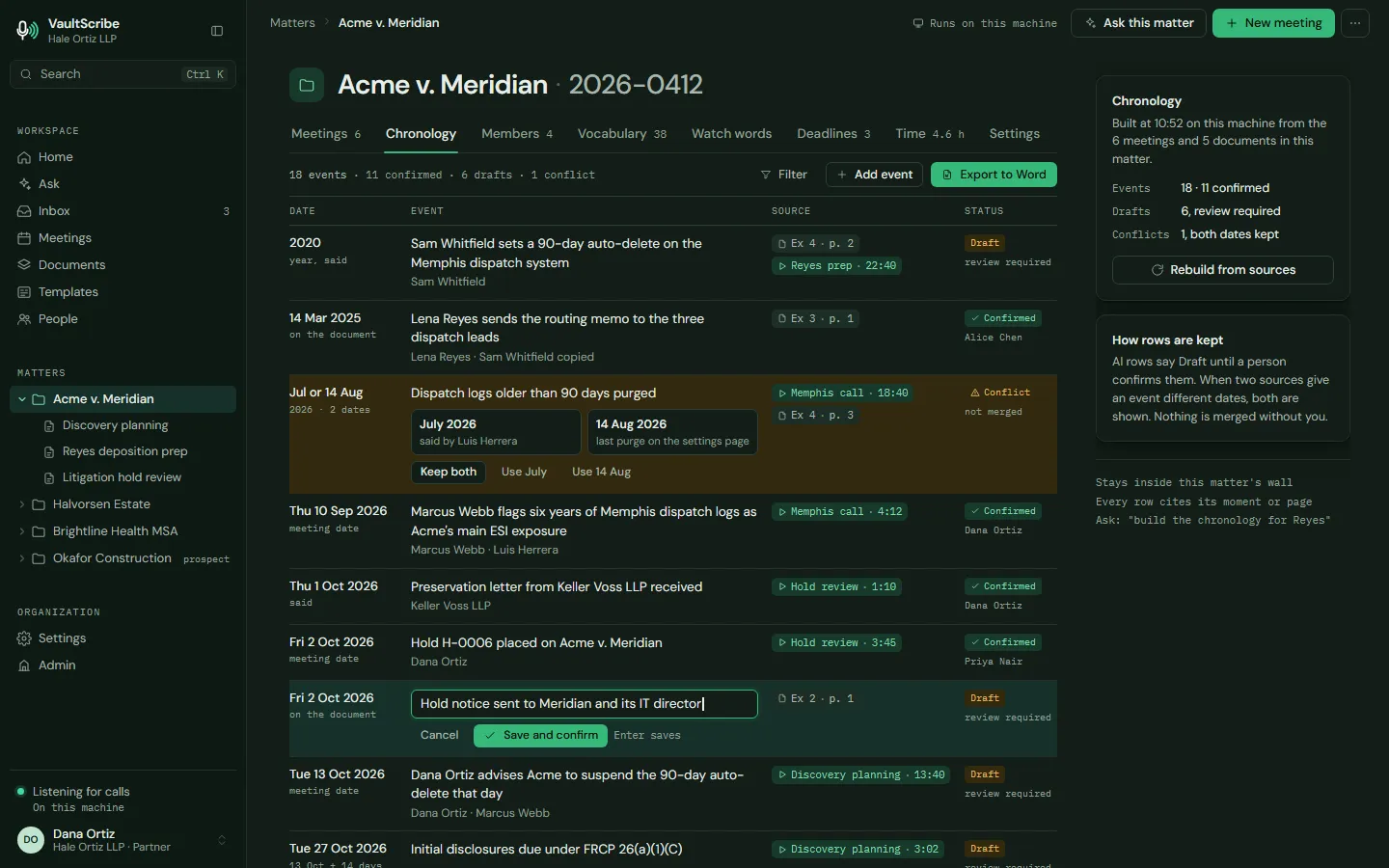
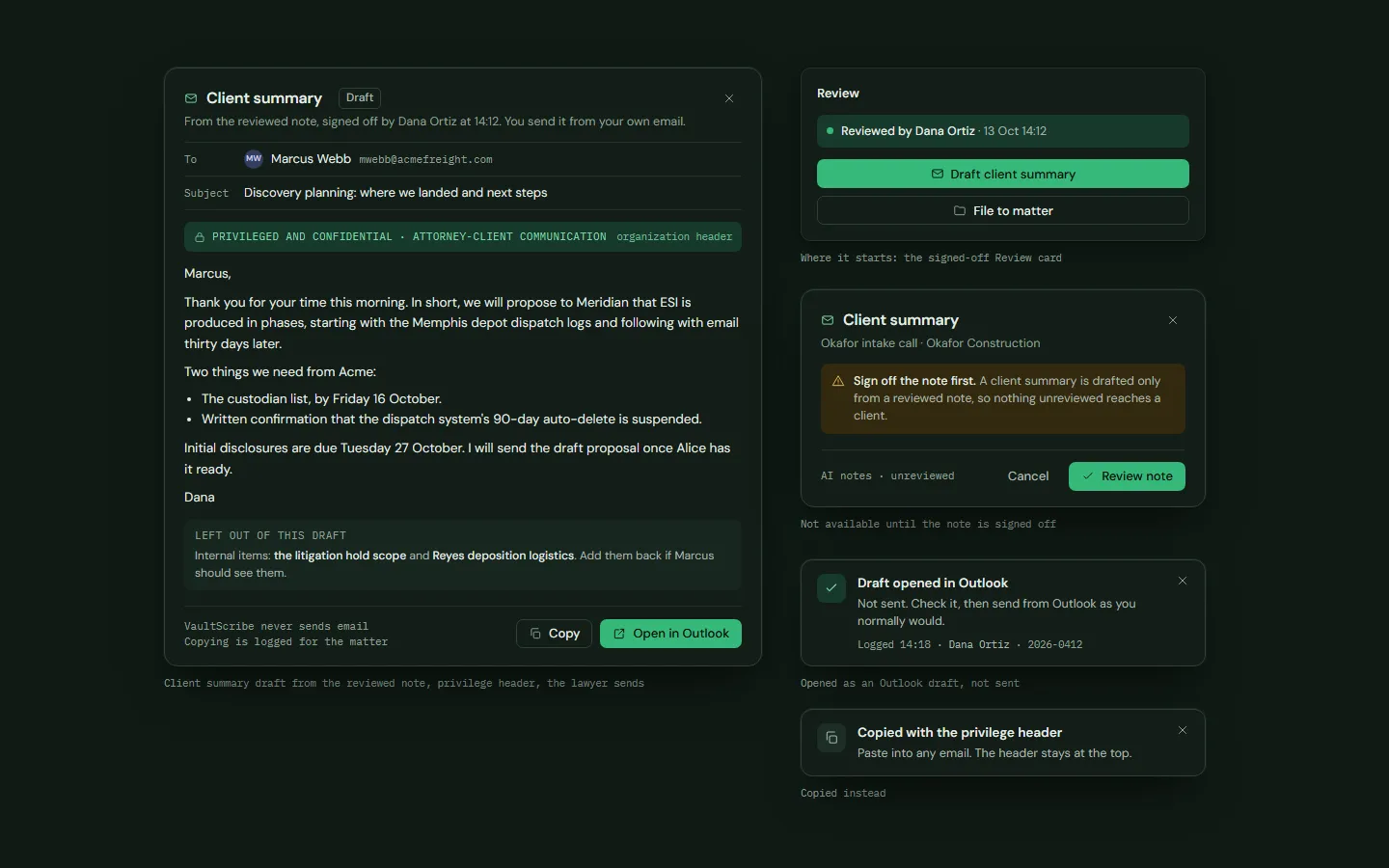
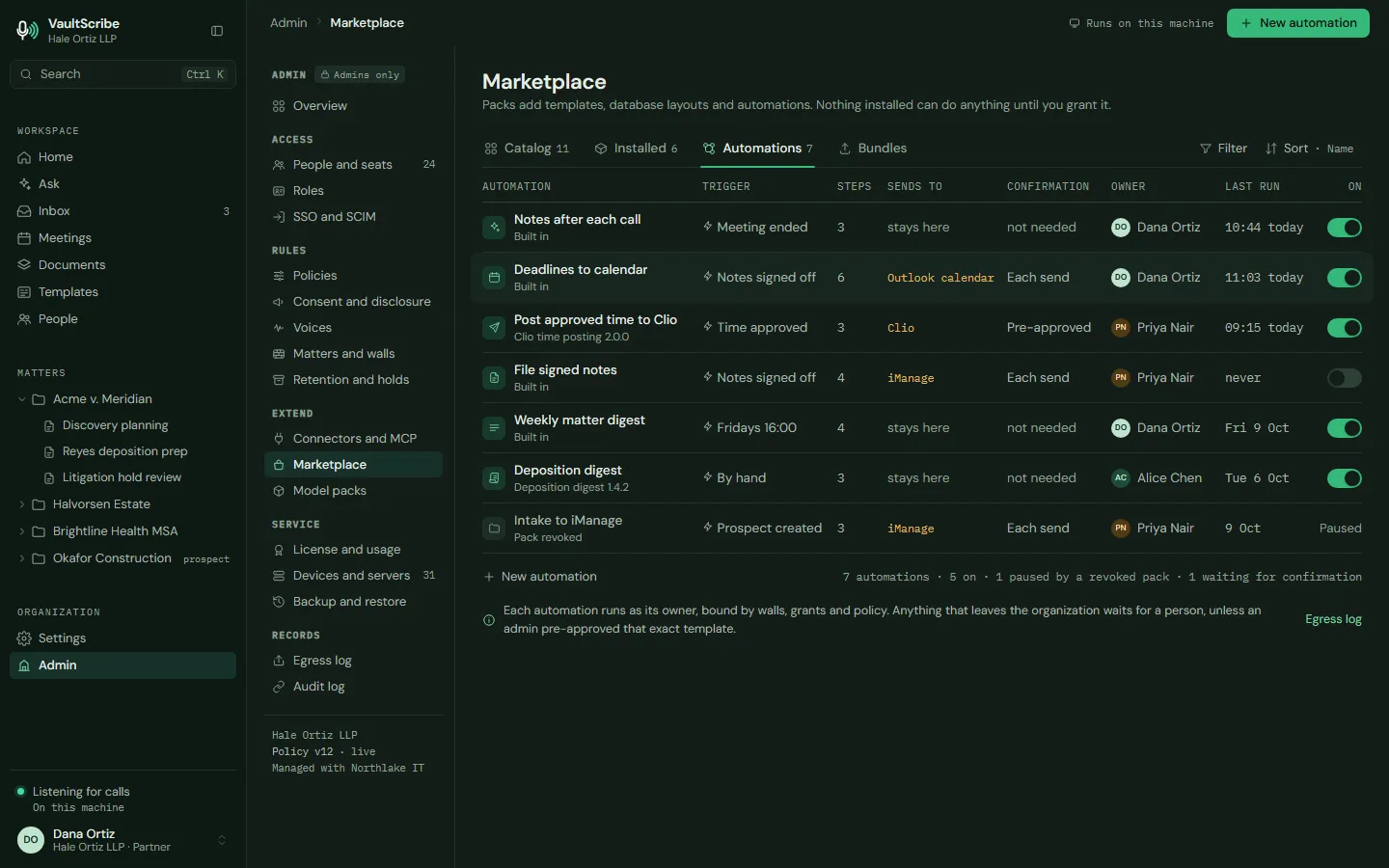
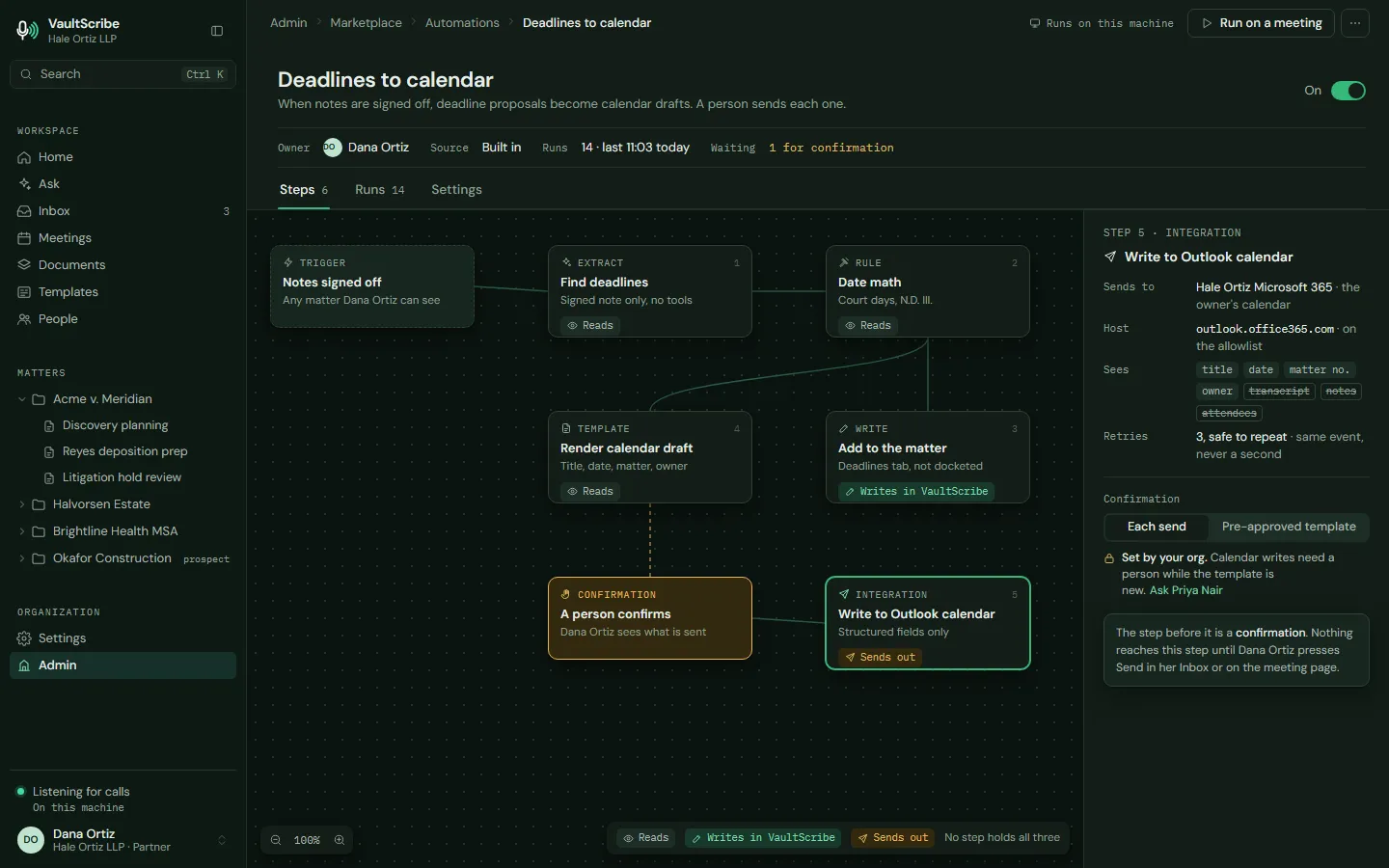
Automations and agents. Workflows that run on a schedule or a trigger, and outside AI apps that connect only when you approve.
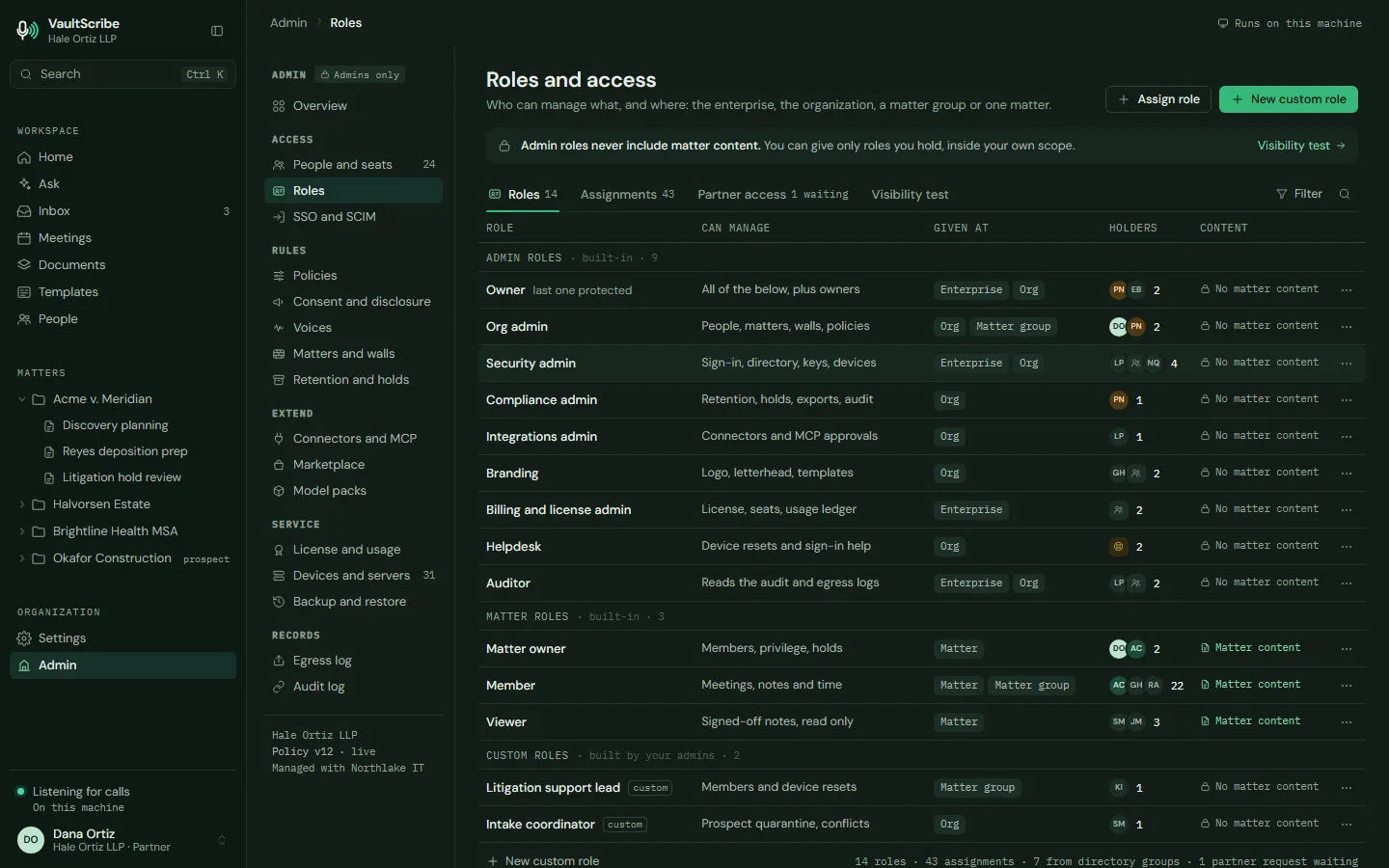
Privacy and admin. The egress log, a verification kit, roles, retention and legal holds.
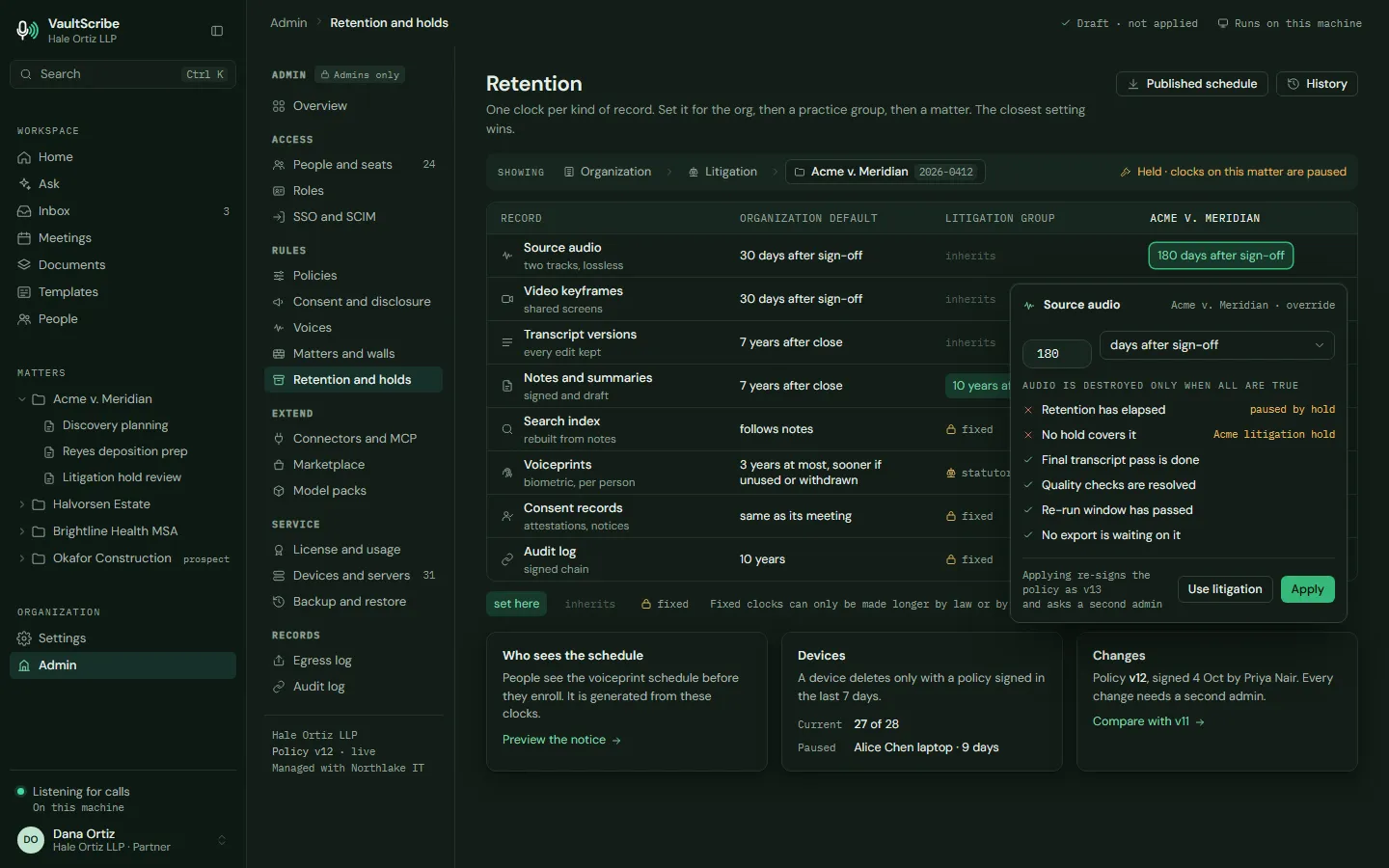
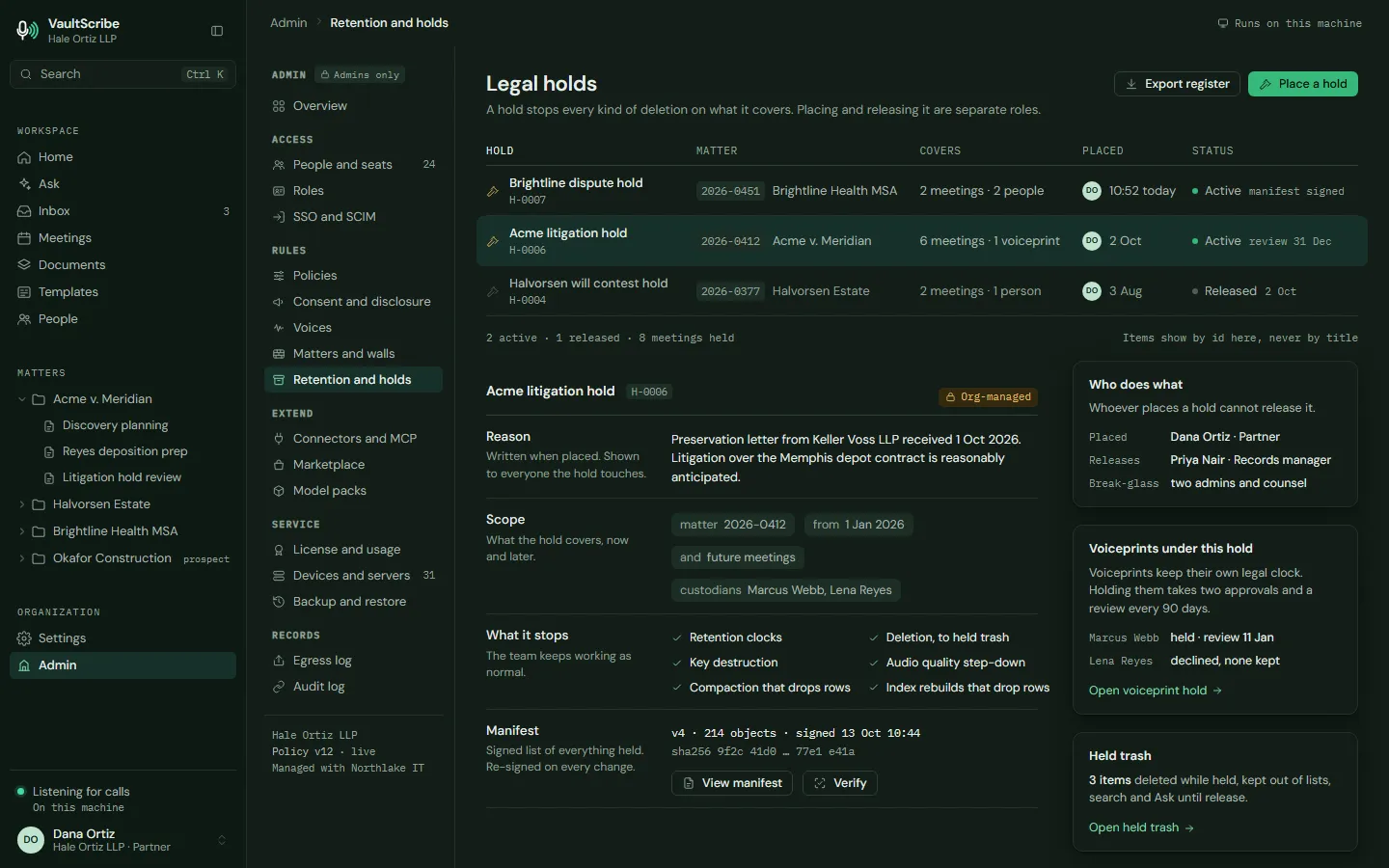
One place for the work, and one agent that can reach all of it, so nobody stitches five tools together by hand. How the agent is meant to work and where AI helps a law firm.
Voice and connections
Speak it. Connect it. Keep it on your side.
The speed of a modern dictation app, without sending a client's words to someone else's servers.
Dictate anywhere
Hold a key in Word, Outlook or any text field and speak. Processed on your own computer, with your legal vocabulary and a check that numbers, dates and names are unchanged.
Time that gets logged
Say "time: point three, Reyes, call with opposing counsel" and a draft entry is ready for your approval. Not posted on its own, and not billed as time saved.
Your systems, walled
iManage, Clio, Microsoft 365, Google, court dockets and more, plus custom connectors you add. Every connection is read under the matter's walls and logged.
Not a notetaker
Your lawyers are the connective tissue. VaultScribe™ is the rest of it.
A firm's knowledge sits in its calls, documents, mail, docket and databases. Your people spend the day stitching it together and the evening writing it down. VaultScribe™ does the stitching, and a lawyer reviews the result. It starts with local meeting transcription: your calls and meetings are transcribed on your own computer, with no bot in the call.
See all six capabilities, what is coming next, and common questions →
See it
Real questions. Cited answers. Your click to send.
The launch video and these crops are design previews with sample data. They show the intended results, not a shipped product and not a customer's matter.
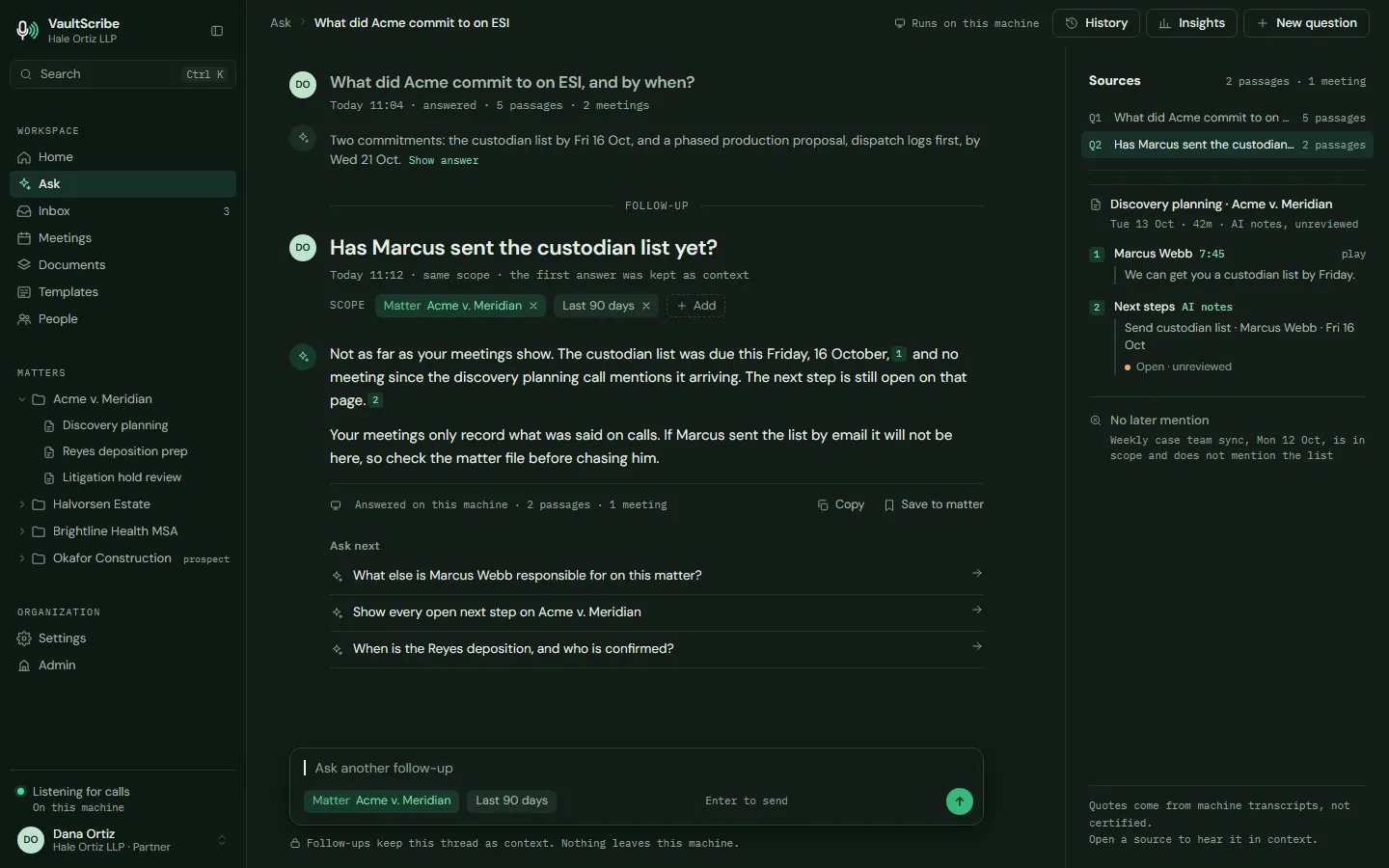
Ask once, across everything
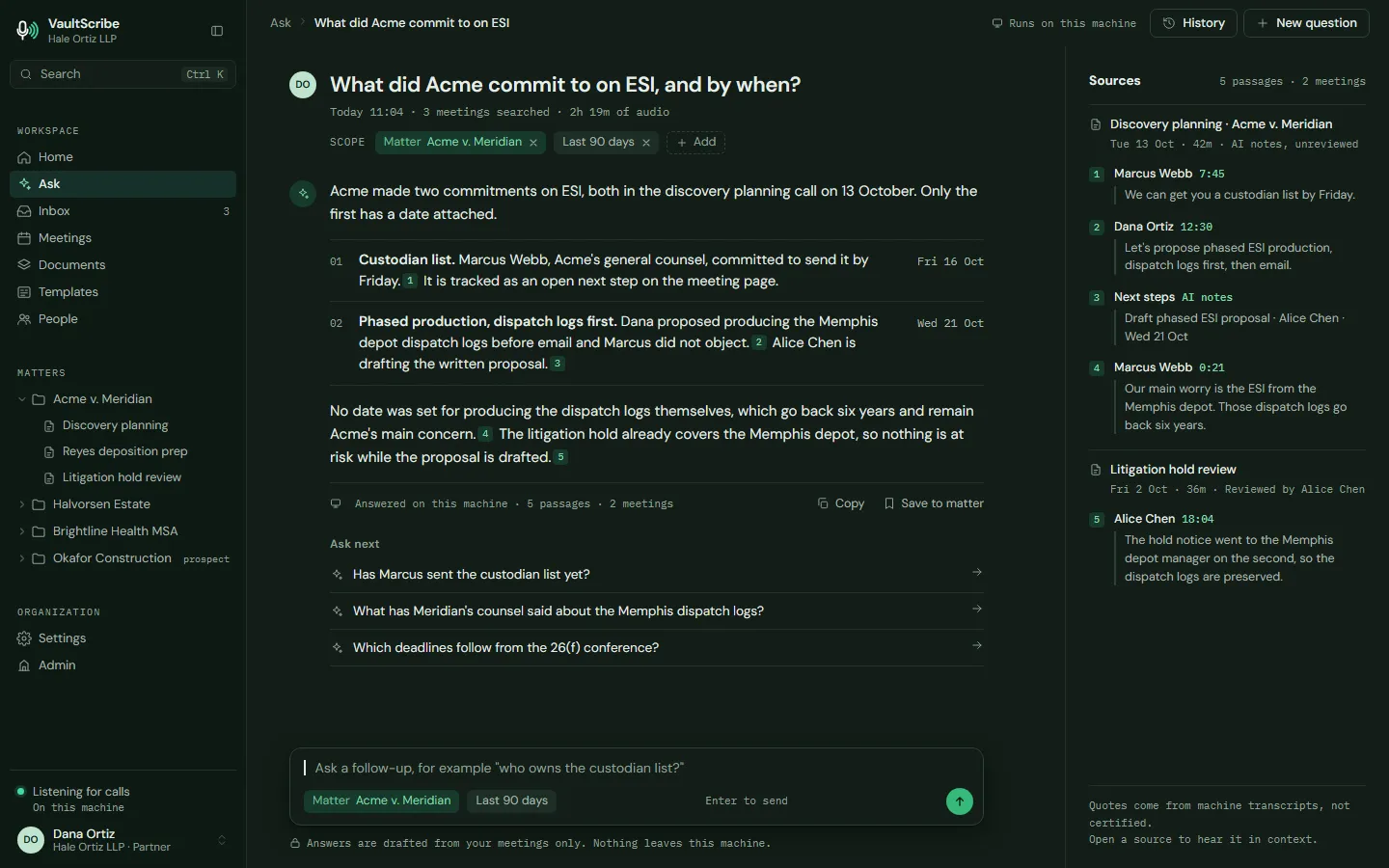
"What did Acme commit to on ESI, and by when?" One answer drawn from the calls on the matter, with every source numbered and every quote checked against the recording.
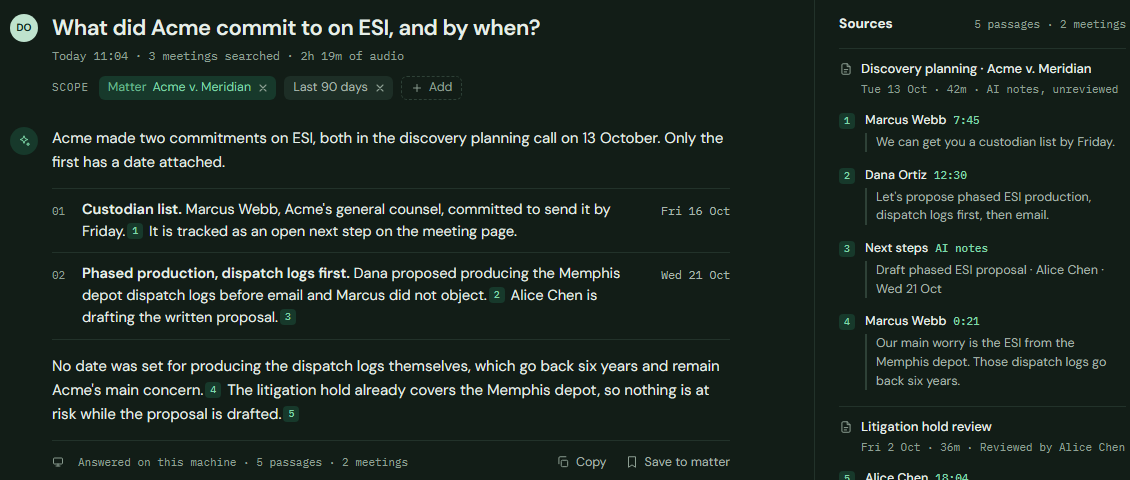
- What it searched, shown up front: the matter, the date range and the meetings.
- Every statement carries a numbered citation.
- Sources show who said it and when, so the lawyer can check it.
- Answered on this machine. Quotes come from machine transcripts and are not certified.
One sentence, one click
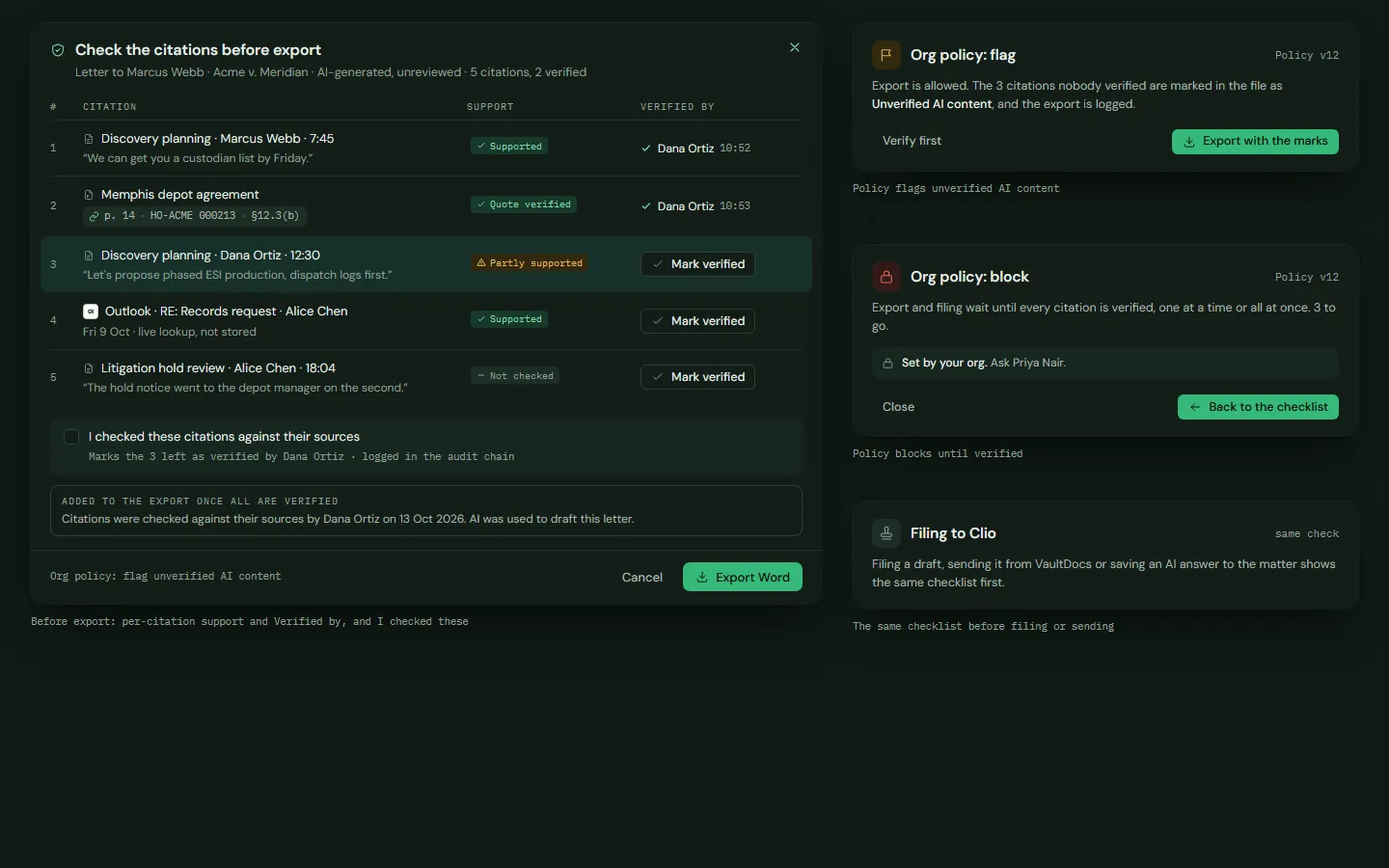
Say "draft a follow-up and send it." The email, your firm's stamps and the PDF are prepared on your own computer, shown to you exactly as they will go out, and sent only when you click Send.
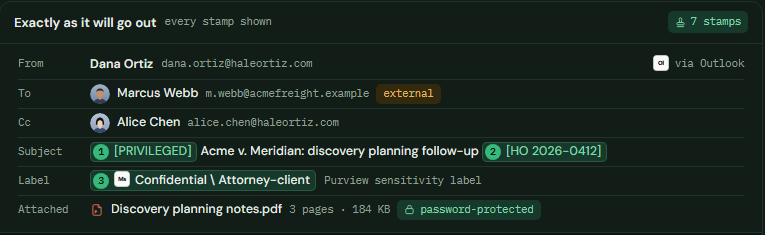
- Recipients outside the firm are flagged before anything goes out.
- Your firm's stamps and labels appear exactly as they will be sent.
- The PDF is attached, password-protected if you choose.
A log you can show a client
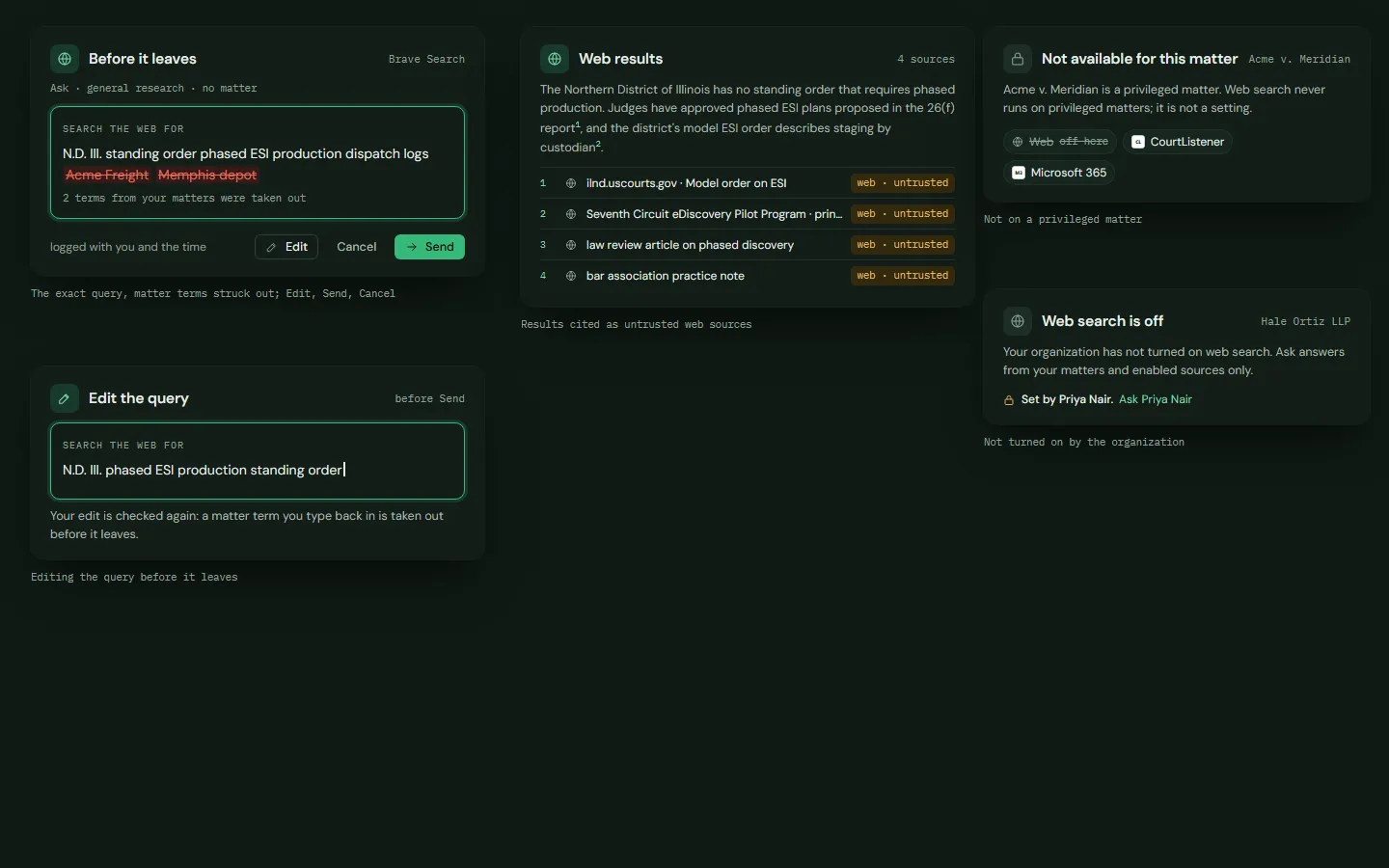
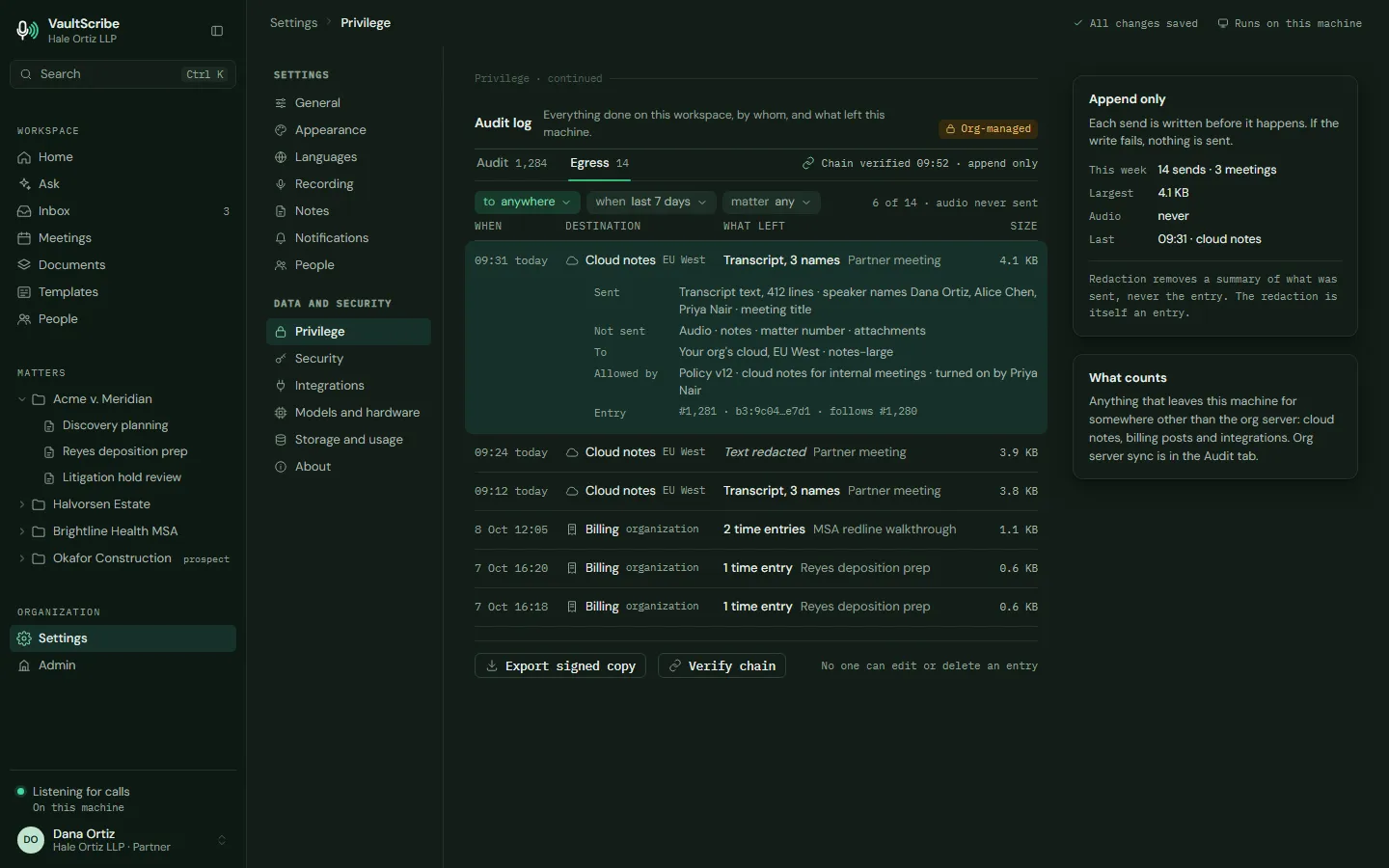
Every request that leaves the firm's machines is listed: where it went, why, and how much. Anything not on the allowed list is refused and recorded.
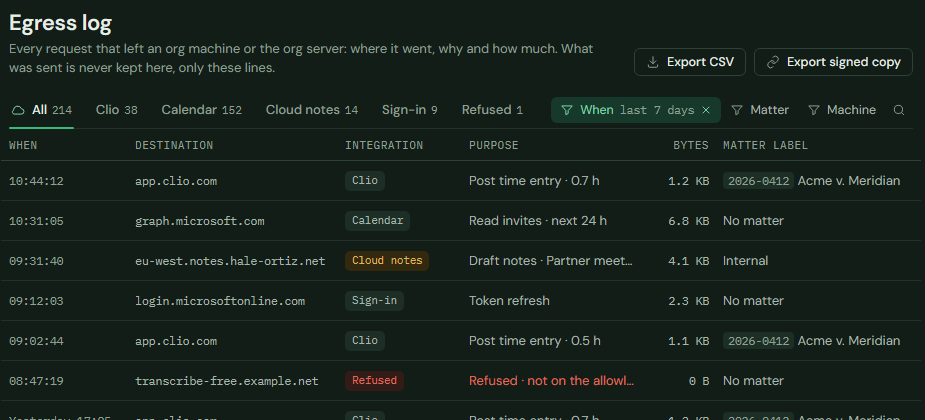
- The log shows where each request went, why and how much. What was sent is not kept.
- Filter by connector, matter or machine.
- Export it as a CSV or a signed copy.
- A request to a host that is not on the allowed list is refused, and the refusal is logged.
Why privacy is the point
Your clients' data doesn't belong in a VC-backed startup's database.
People tell their lawyer things they have told no one else, because the conversation is privileged. The moment a recording lands in a vendor's cloud, that promise depends on a company's security. No system is immune to attack. What changes is how much sits in one place, and who holds the keys.
Privilege is a promise
A client expects a conversation to stay between them and you. A recording and transcript on someone else's servers is a place that promise can fail.
One database, every firm
A cloud service keeps many customers' data together. That makes it worth attacking, and one breach reaches everyone in it.
You don't hold the keys
When the vendor holds the data and the keys, your confidentiality depends on defenses you can't inspect and staff you have never met.
The company can change
Vendors get acquired, change their terms or shut down, and the data goes wherever the assets go. Your clients shared their secrets with you, not with the next owner.
It happens to law firms with serious security budgets
Breaches happen to every kind of organization, including law firms. That is why the question is how much of your clients' data sits in one place, and who holds the keys. With VaultScribe™ there is no vendor-run central store to breach, and the keys are yours. Recordings and notes stay on your own machines or your own server, encrypted under keys you hold.
And courts are testing cloud notetakers
Several lawsuits allege that AI notetakers recorded people without their consent, or collected their voiceprints without it. These are allegations, and VaultScribe™ is not a party to any of them. We list them because they are why your clients are asking where their calls go.
See the security and architecture, method by method →
The August 13, 2026 order is a ruling on a motion to dismiss. It is not a finding of liability. All claims in these cases are allegations that have not been proven, and the companies named have not been found liable.
No bot in the room
VaultScribe™ captures on your own computer. Nothing joins the call and no third party is in the meeting.
Nothing leaves unless you allow it
An administrator decides what may connect. Every outside request is in the egress log.
Built to run air-gapped
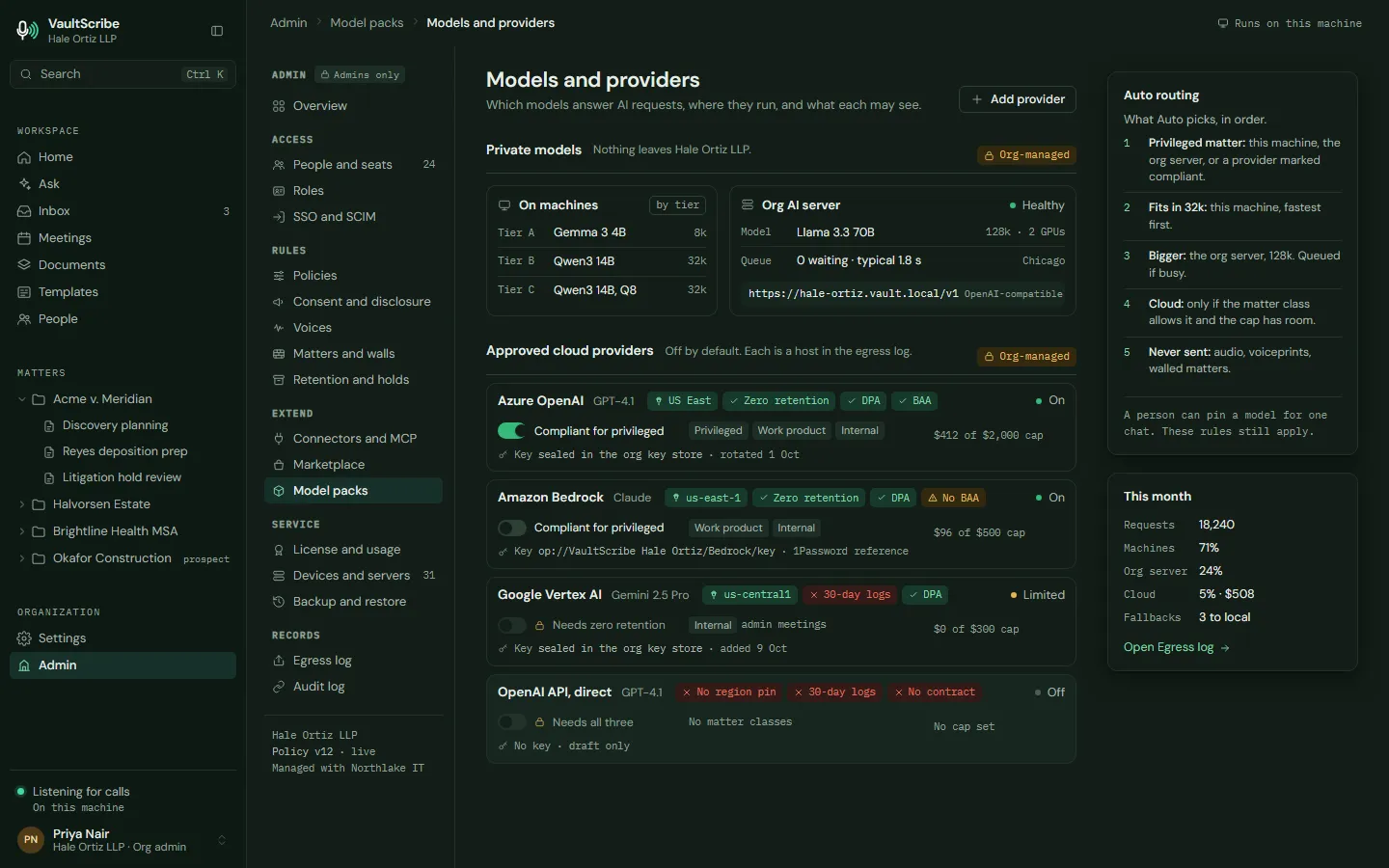
No account, no phone-home, and an offline license. It is designed to work with the network off, including in offices with no internet access. Connectors and cloud models are the only parts that need a connection, and both are off by default.
Is it for your firm?
A good fit if client confidentiality comes first.
It suits you if
- Your lawyers take client calls and meetings, and you want them transcribed without a bot in the room.
- Privilege and confidentiality are non-negotiable on your matters.
- Clients ask where their data goes, and you want a clear answer.
- You would rather keep recordings on your own machines than in a vendor's cloud.
It is not for you yet if
- You want an app you can sign up for and use today. VaultScribe™ is working with a small group of design partners first.
- You are looking for the cheapest hosted notetaker.
- You have no one who can own IT decisions for the firm.
Guides
Plain-English answers for law firms.
Explainers on private legal AI, AI agents and client confidentiality, written with sources.

Founding design partners
Now accepting founding design partners.
I'm Josef, and I'm building VaultScribe™ on my own. I'm looking for a small number of firms to shape it from the start.
- Talk. We schedule a short call to go over how your firm handles client conversations, notes and time today, and where it costs you the most.
- Pilot. When VaultScribe™ is ready for your firm, you try it on one real workflow. We agree on the terms together before anything starts.